
In this article, you'll learn how to place your first order after signing up and signing in.
Step 1: Start by entering the date. This is automatically filled in with the current day.
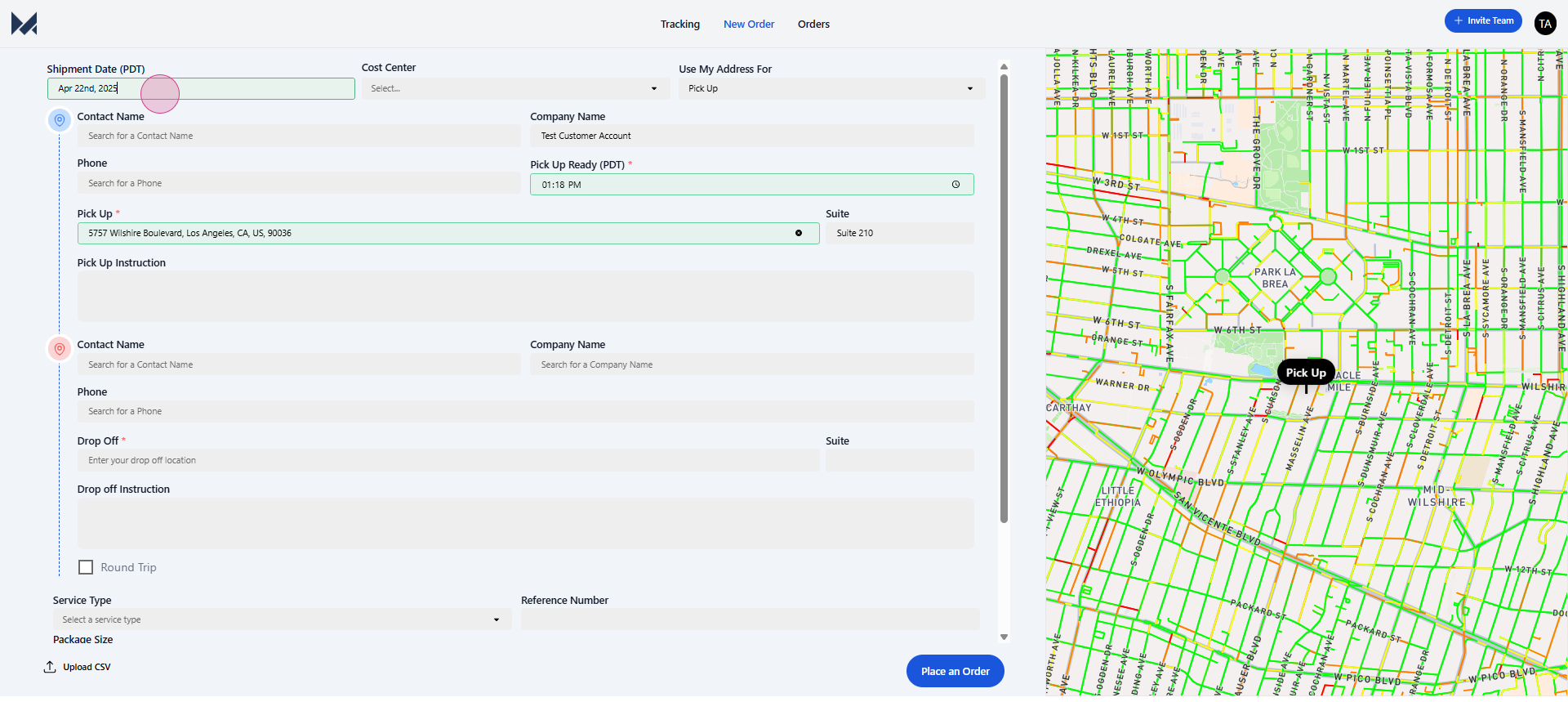
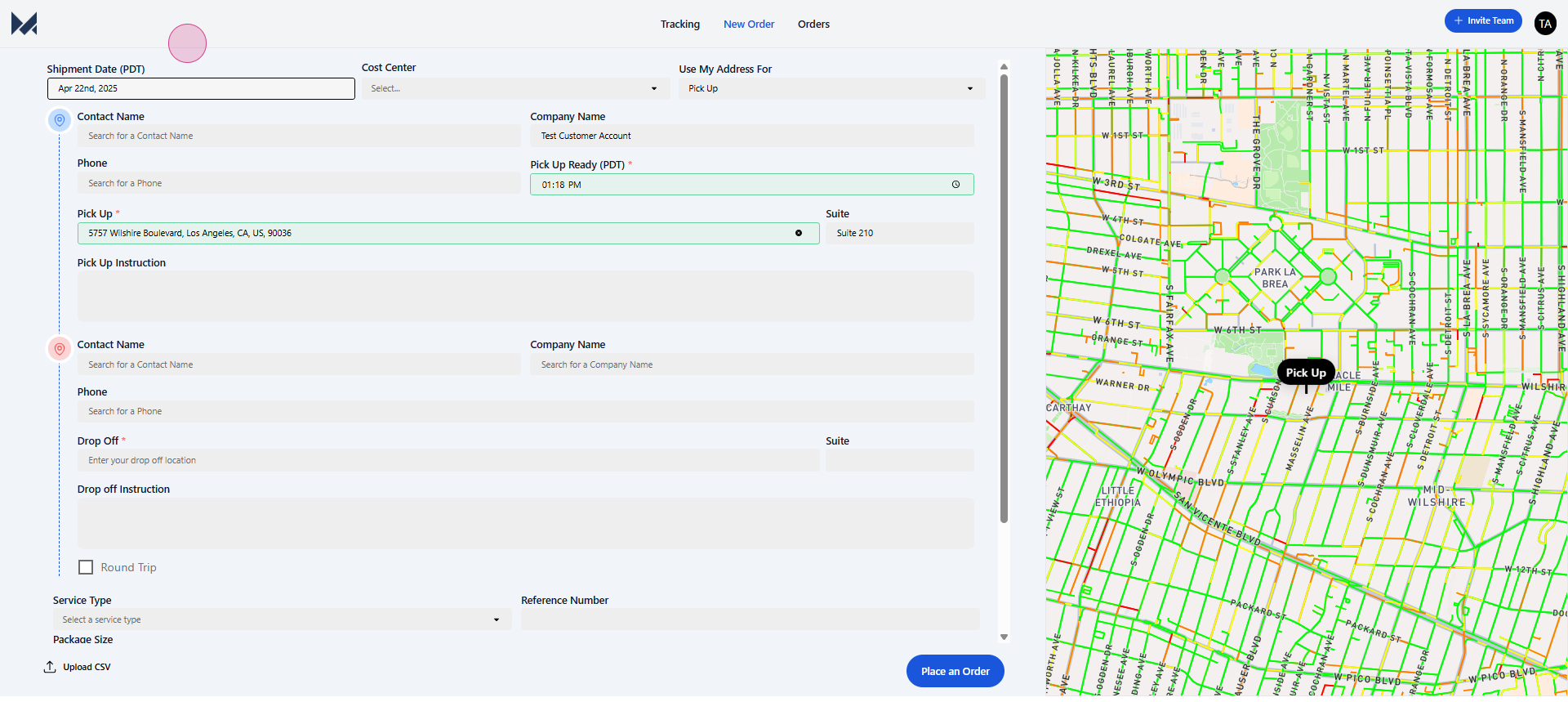
Step 2: Next, you'll be prompted to enter the pickup details. At the top is your pickup section.
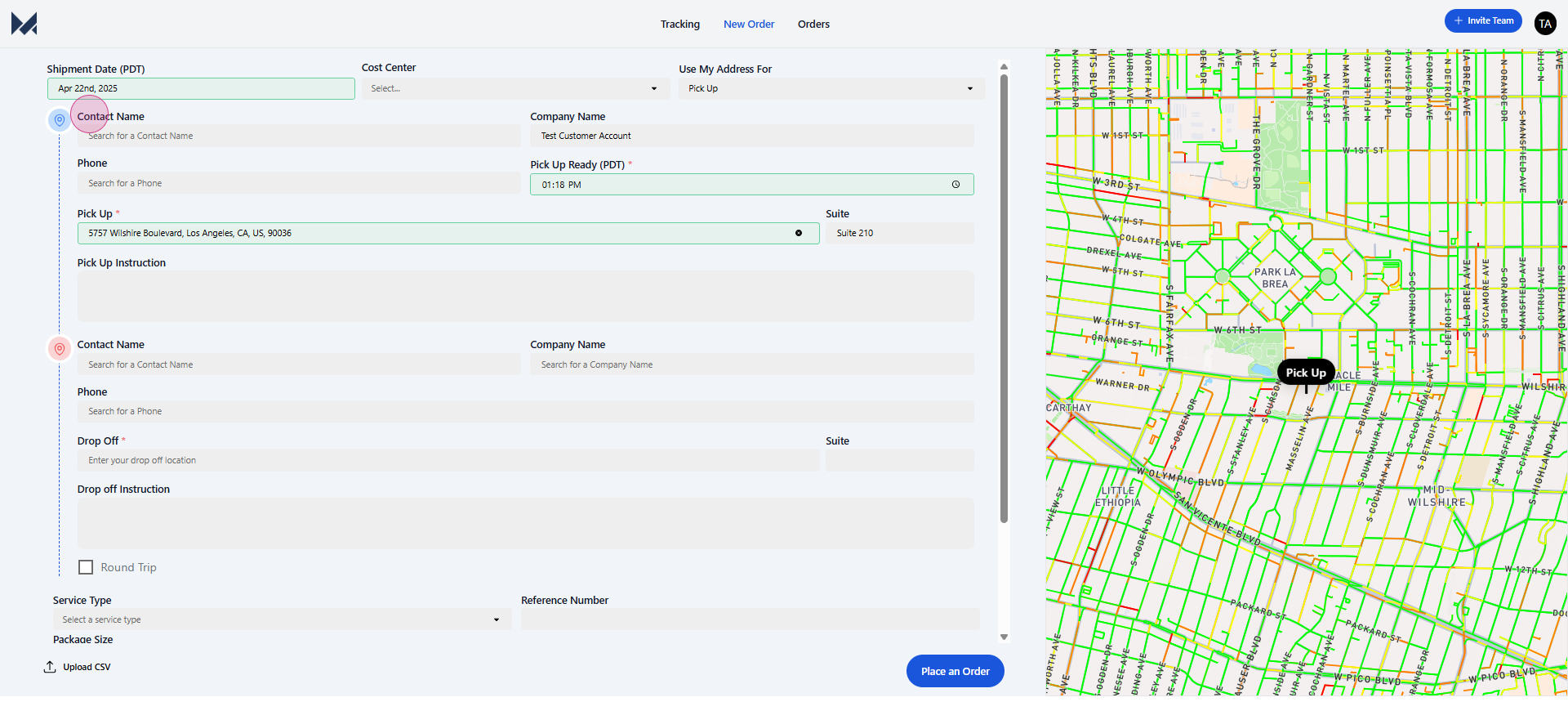
Step 3: Here, you're required to enter the contact name,
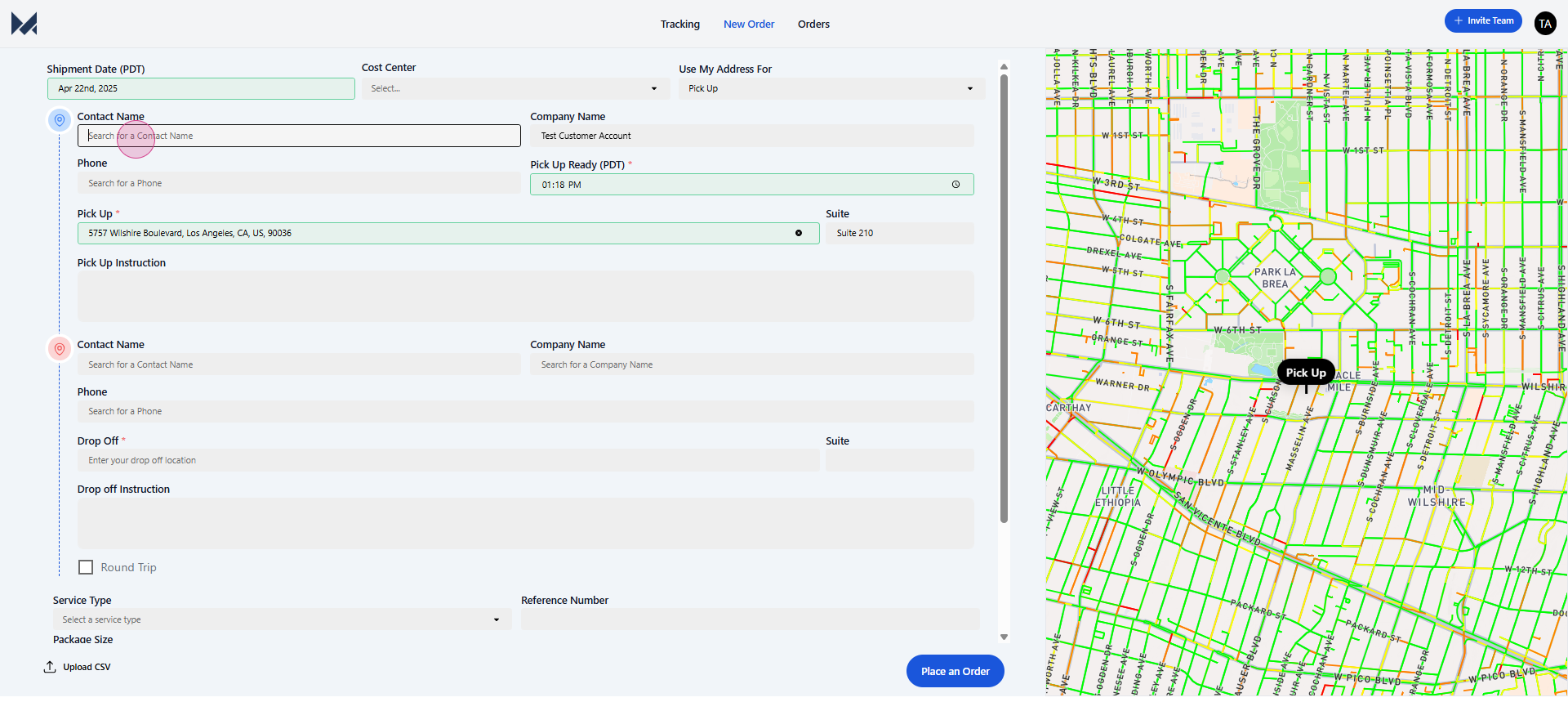
customer name,
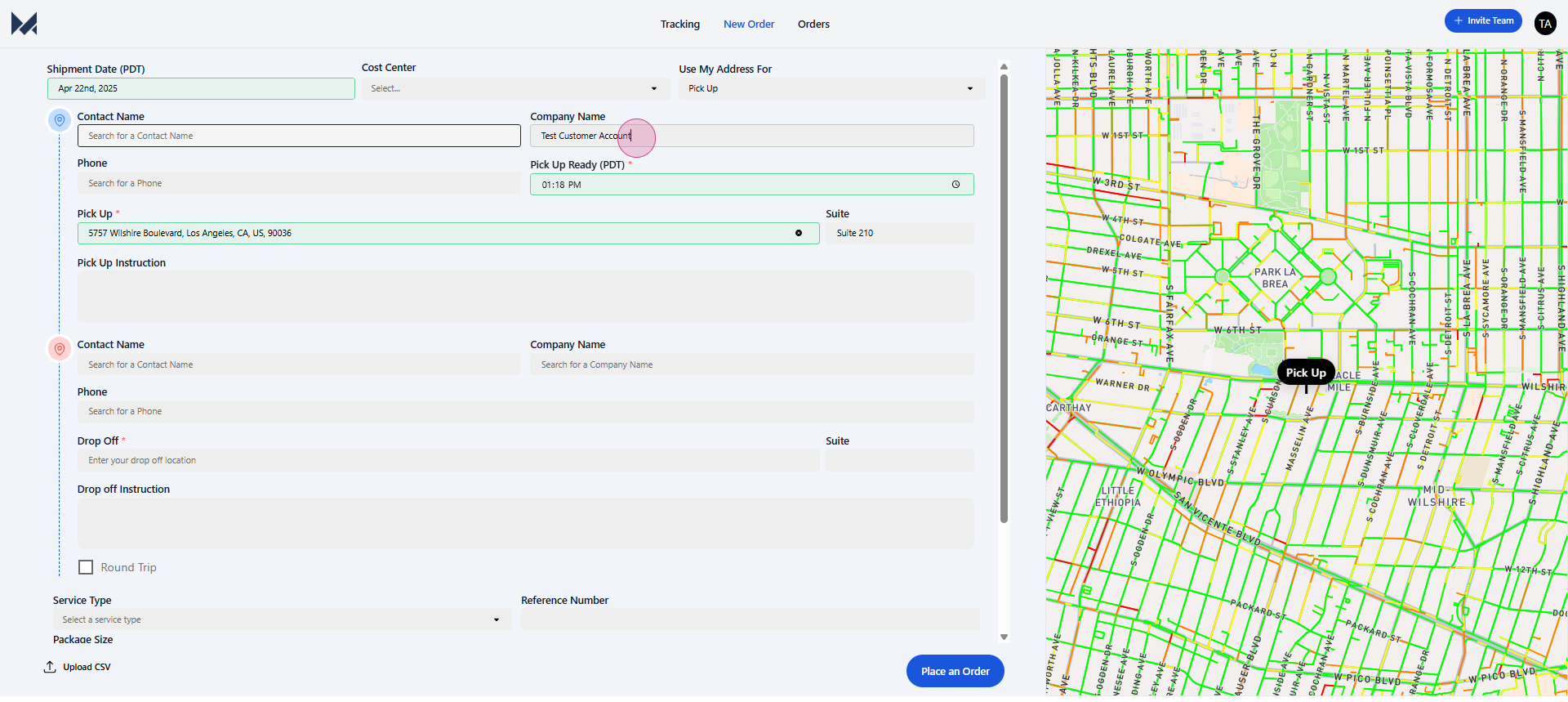
phone number,
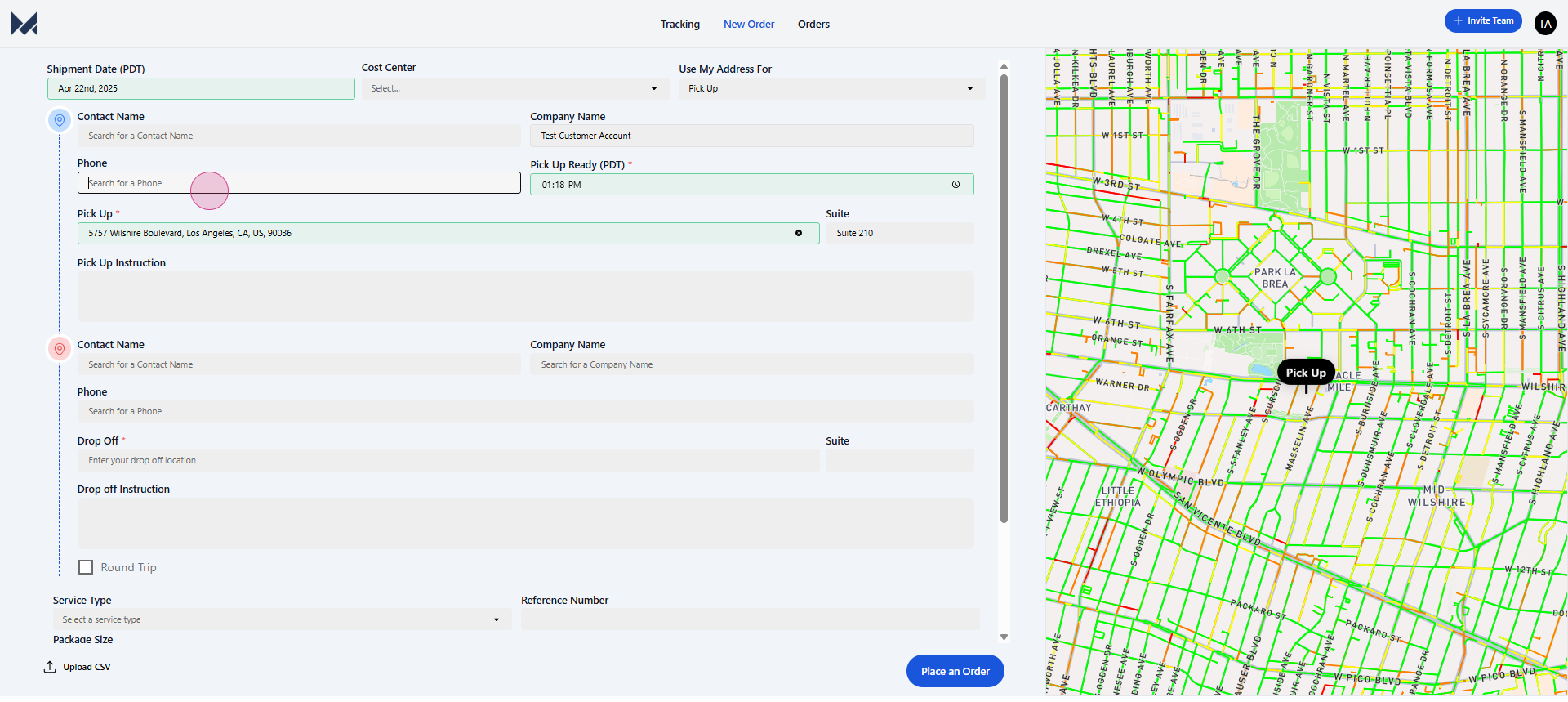
pickup ready time,
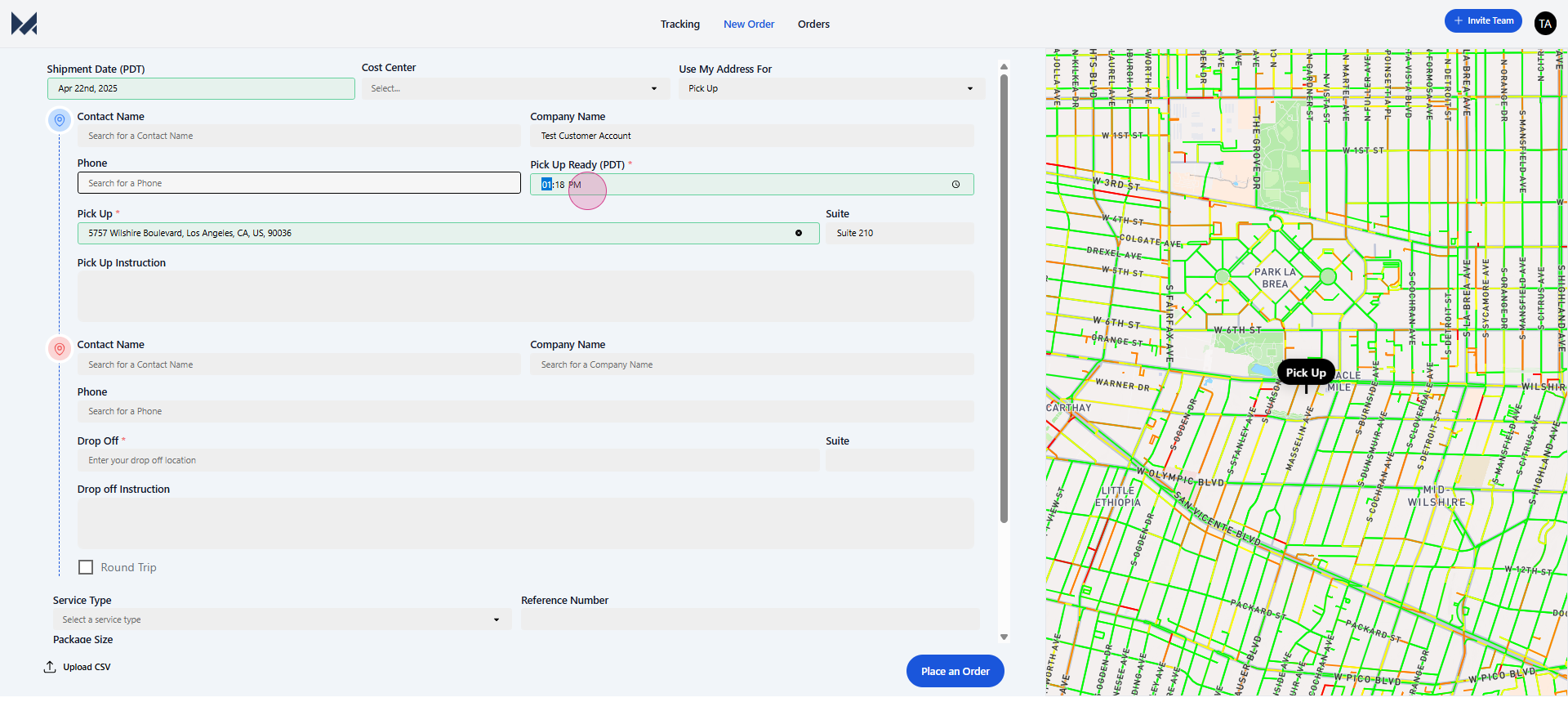
pickup address,
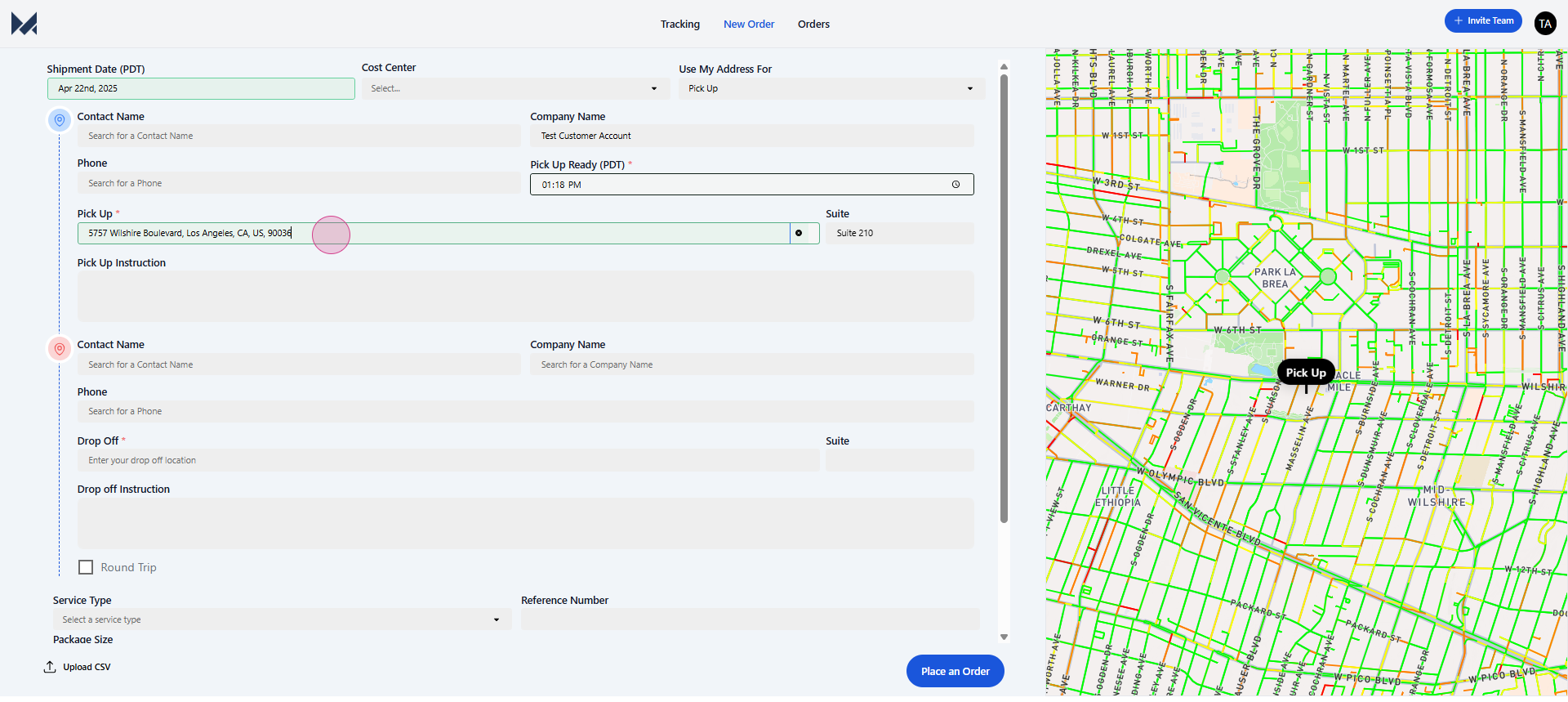
suite number,
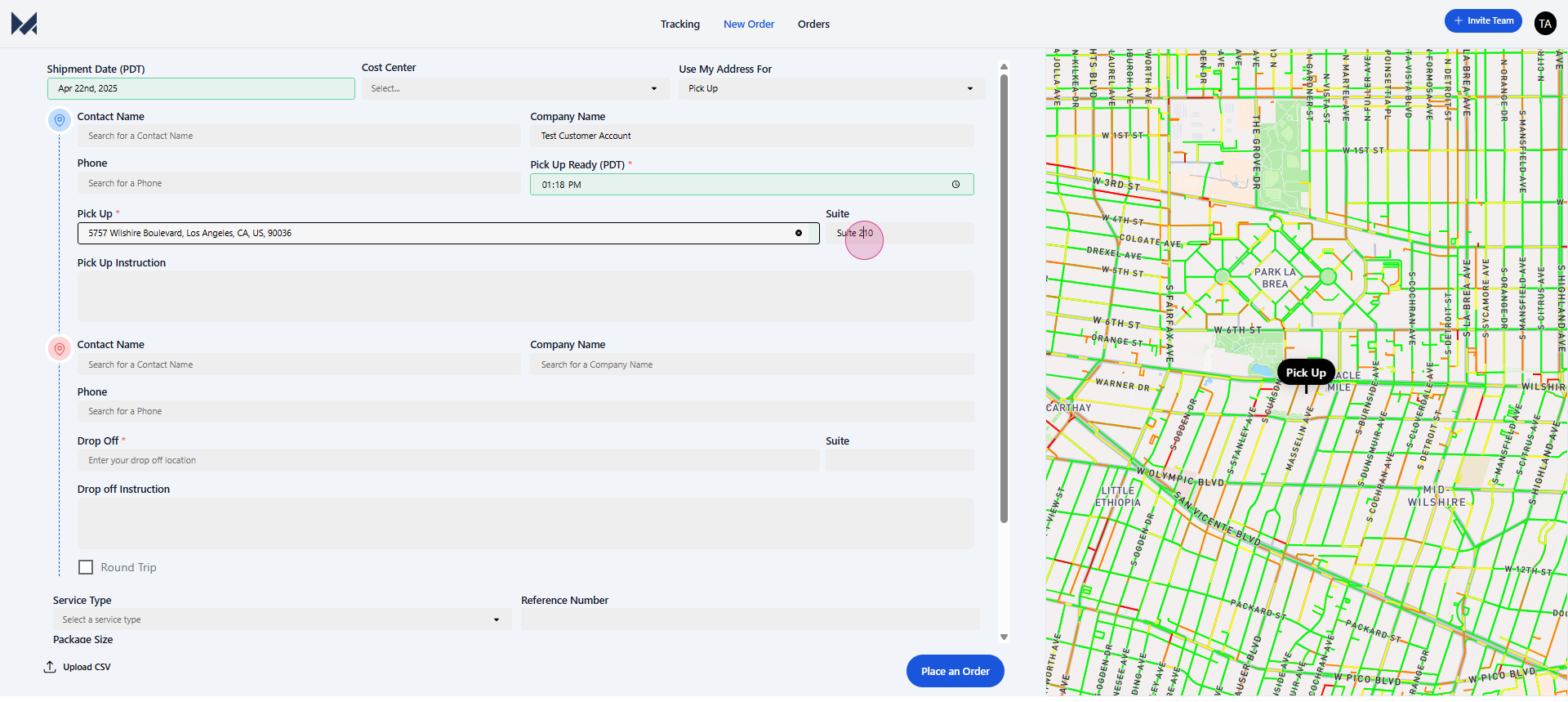
and any relevant pickup instructions. If you have an address saved to your account, it'll be automatically filled in.
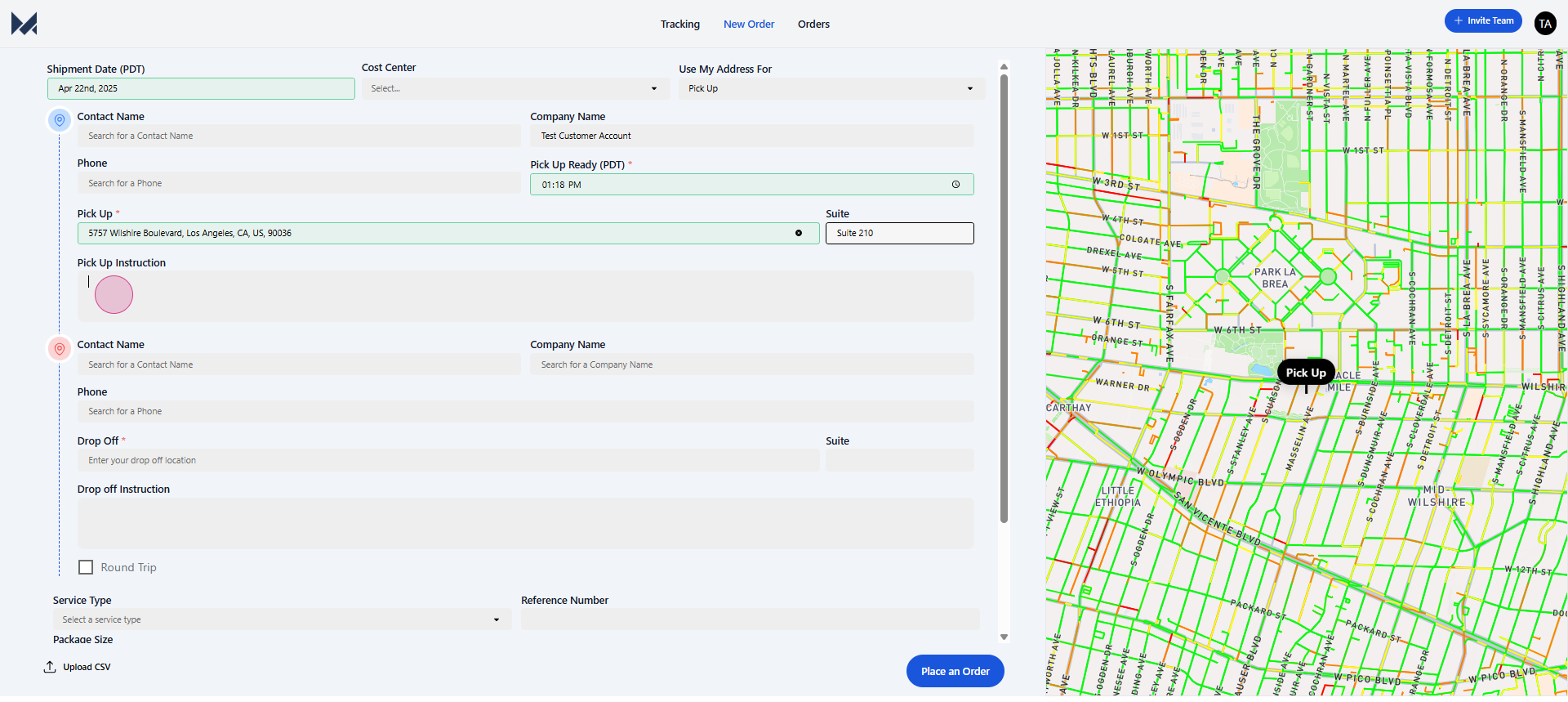
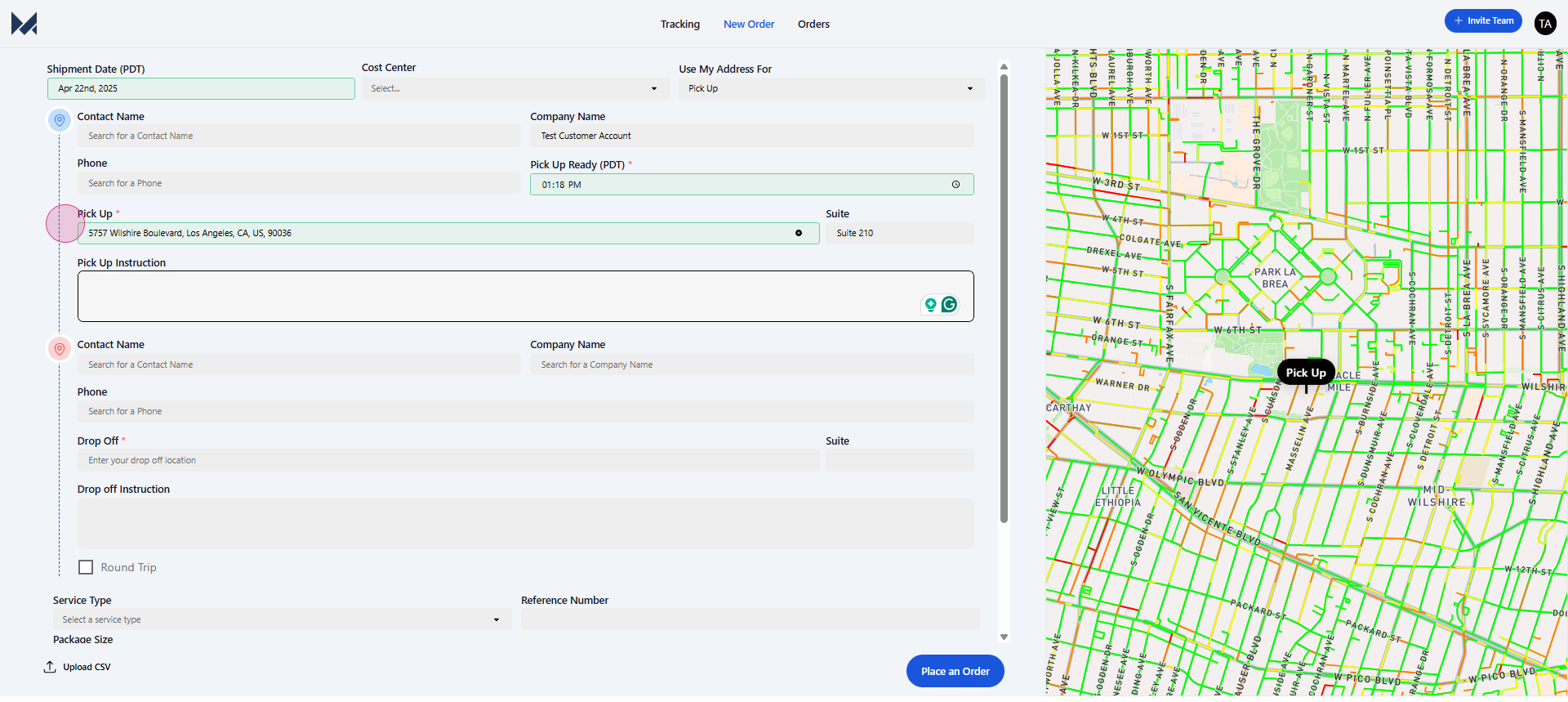
Step 4: After entering the pickup details, move on to the delivery or drop-off details.
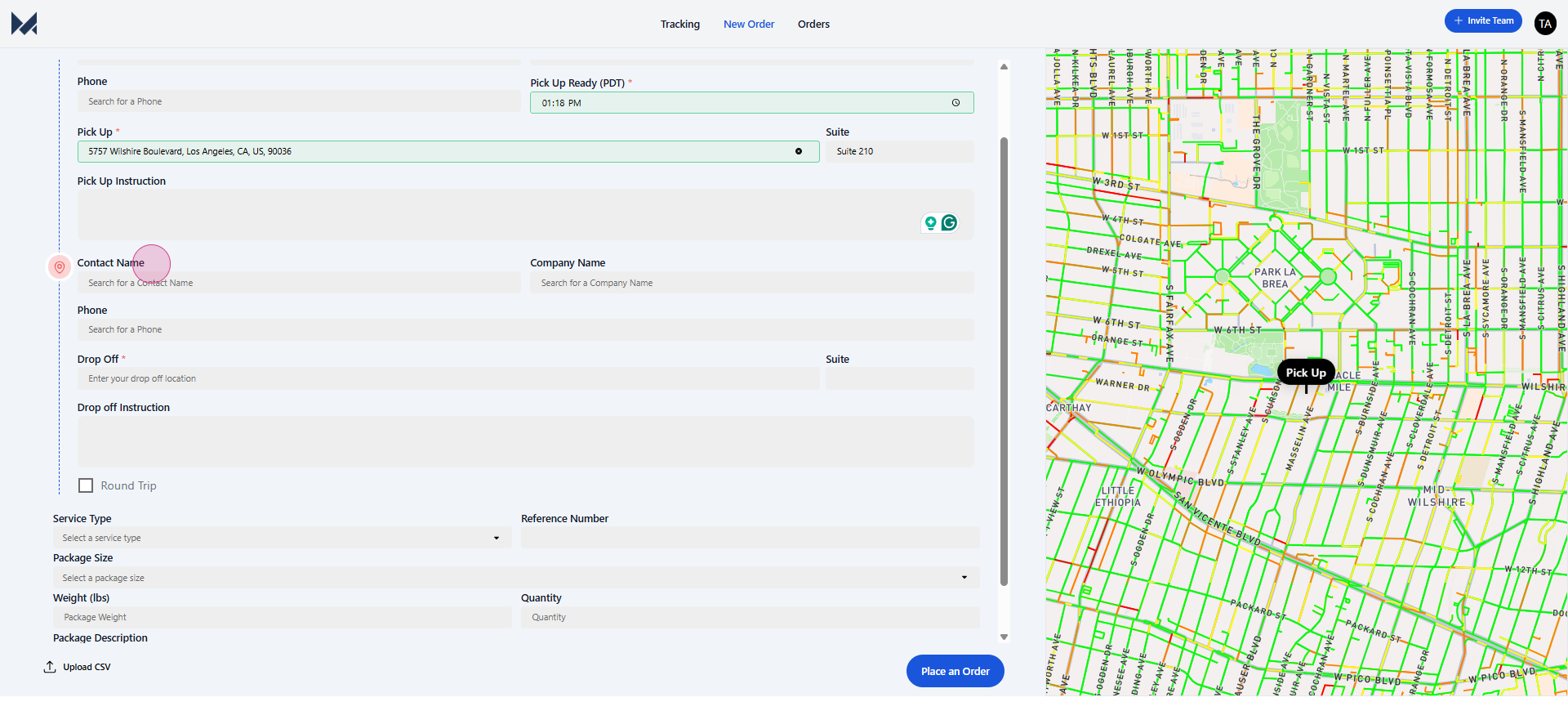
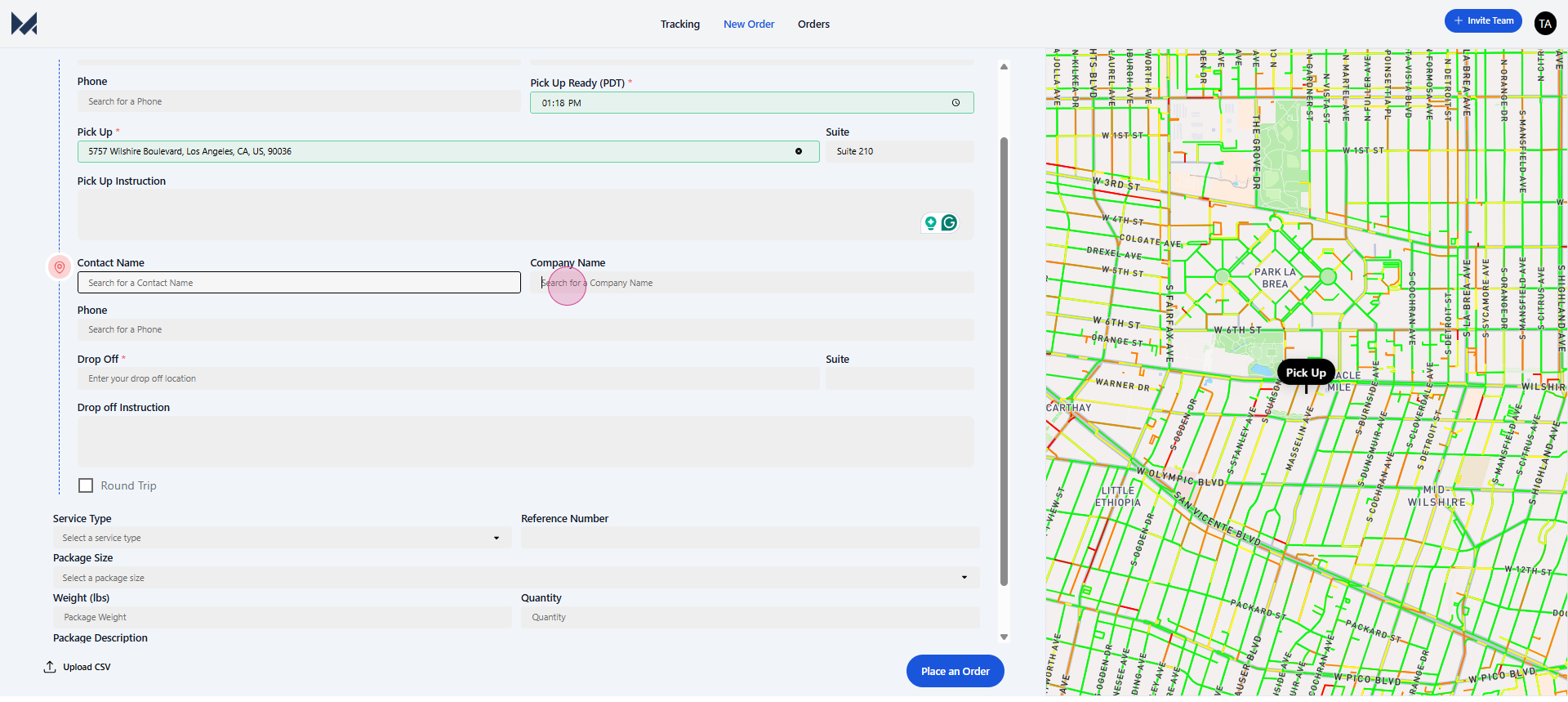
Step 5: Enter the same information as before: contact name,
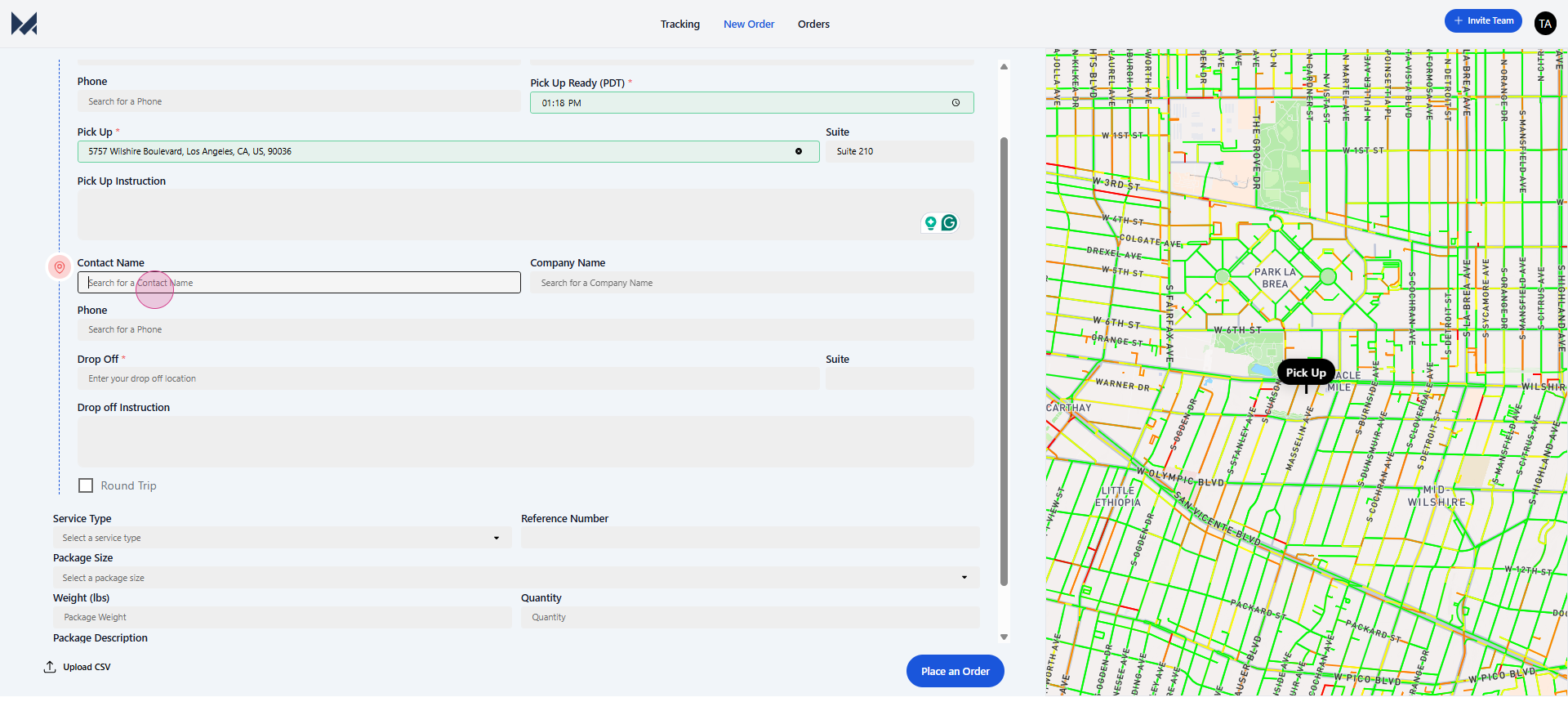
company name,
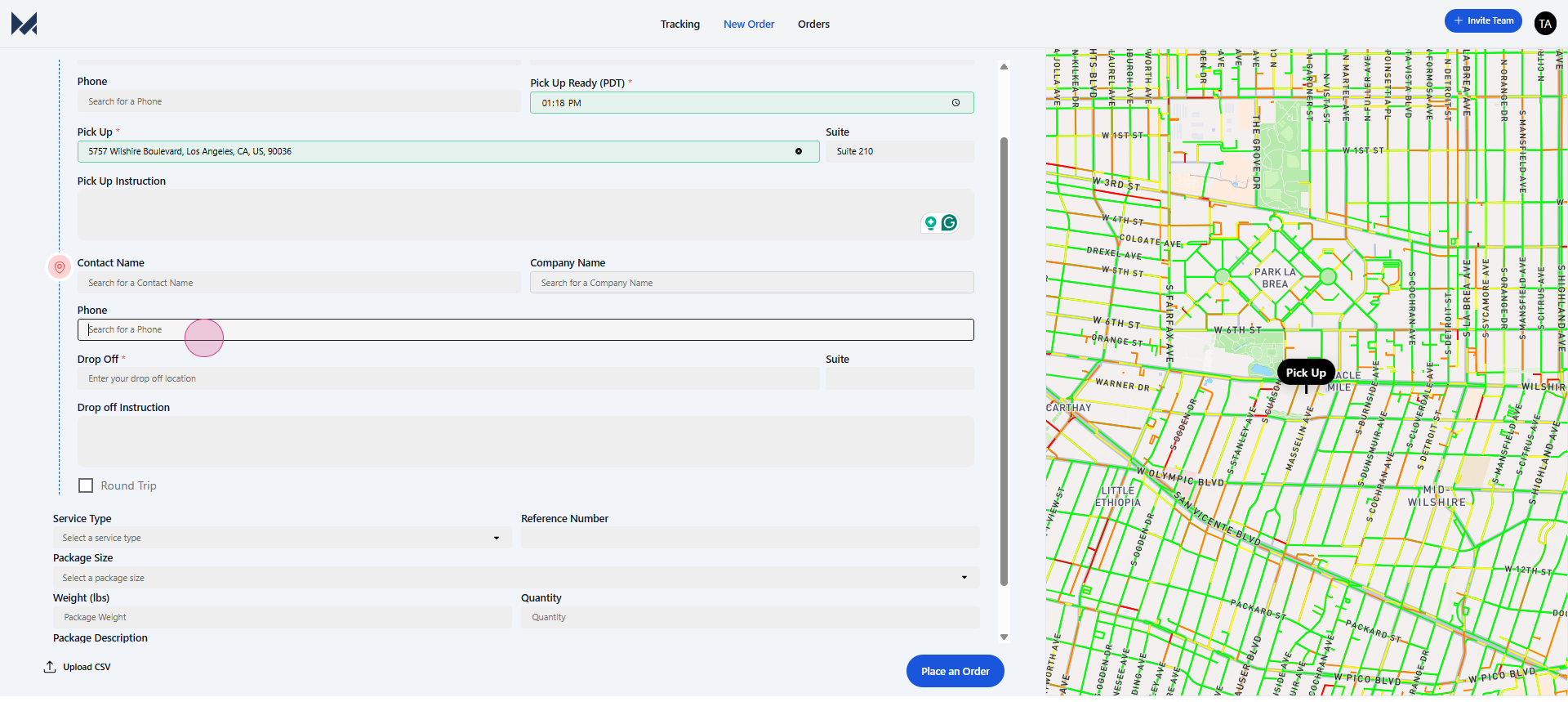
phone number,
drop-off address,
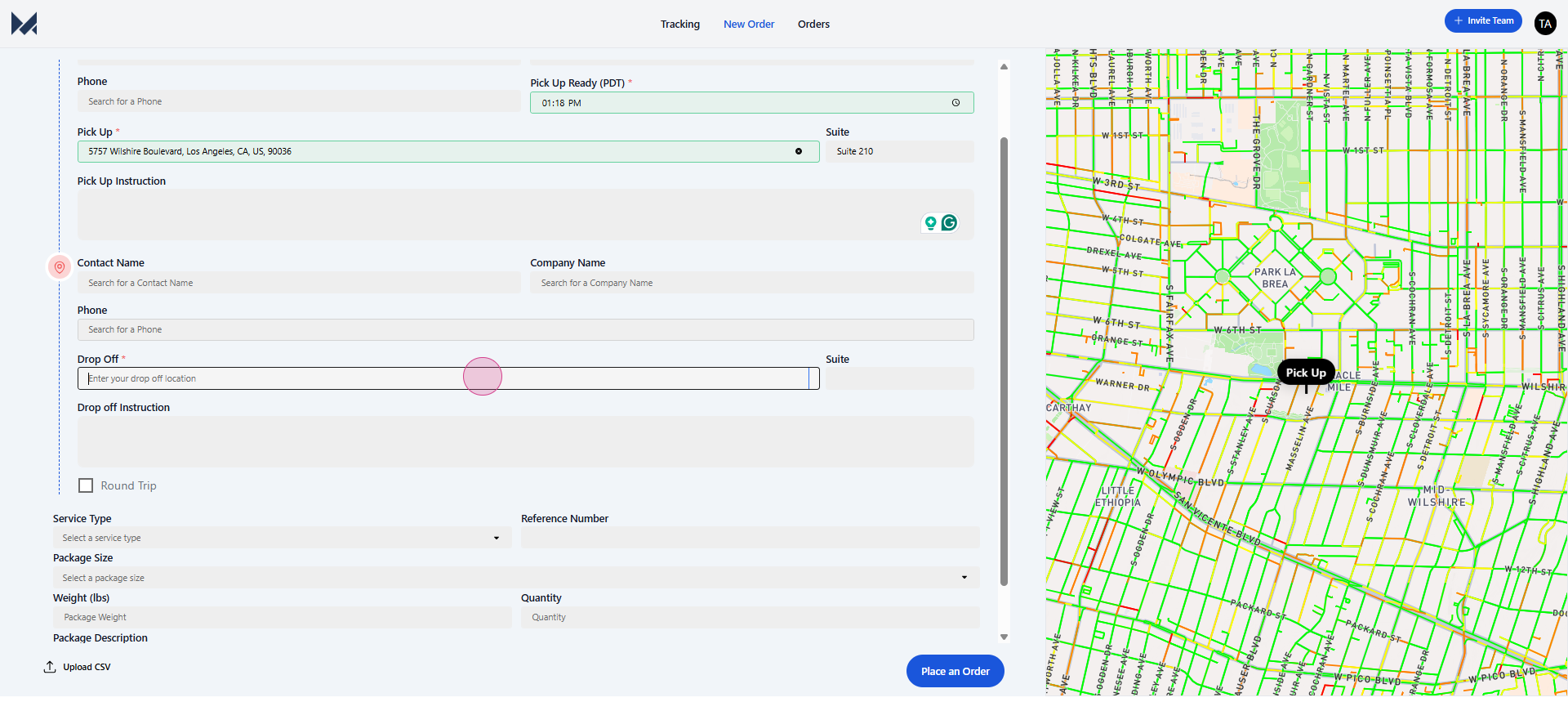
suite number,
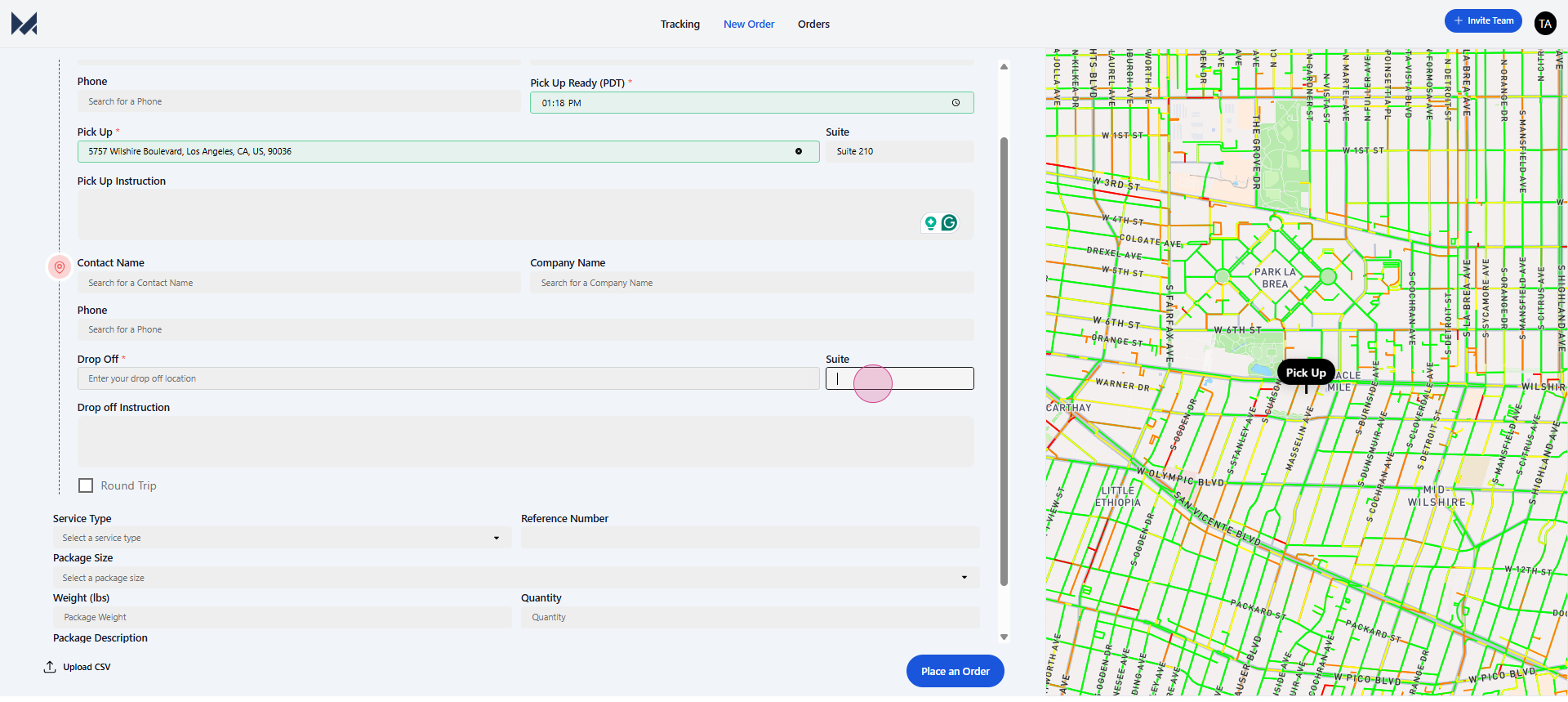
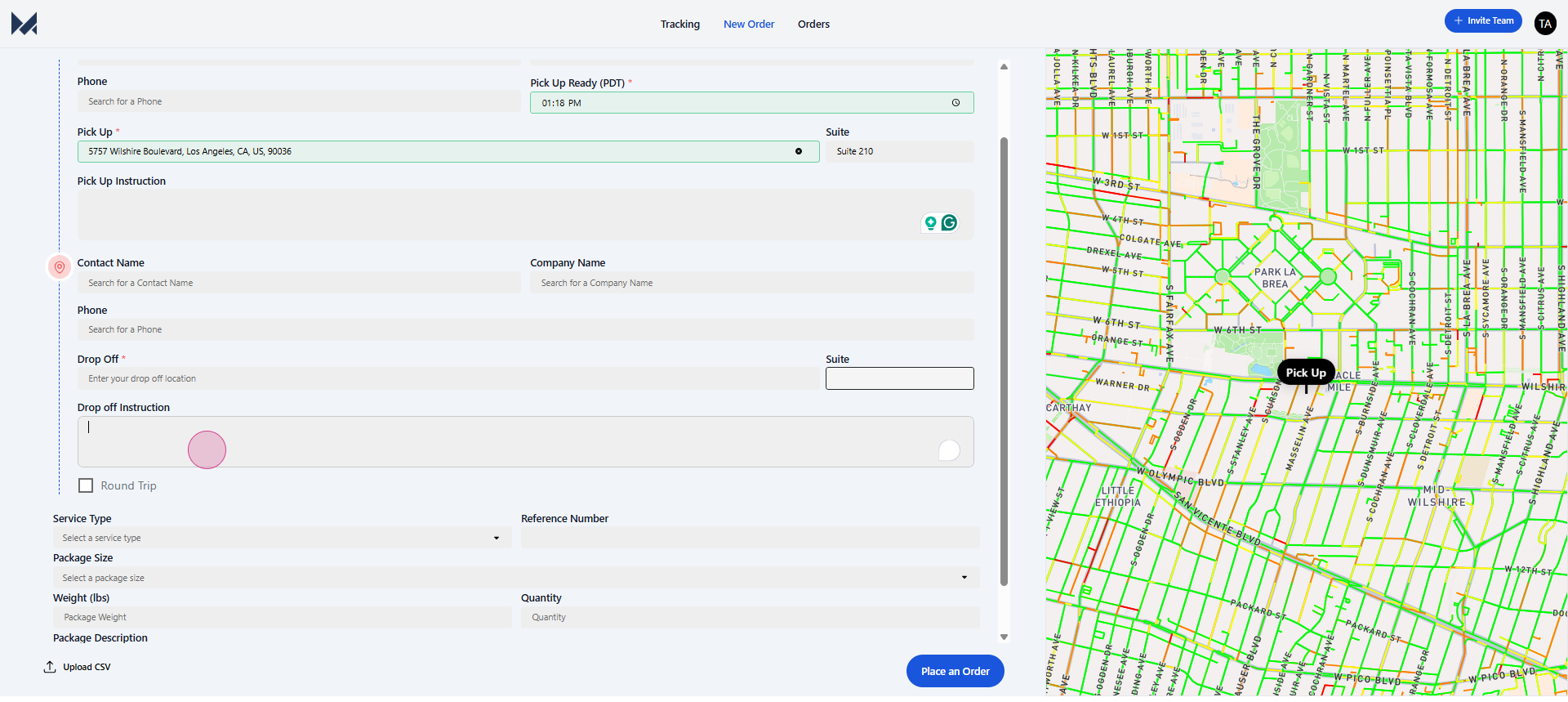
and drop-off instructions.
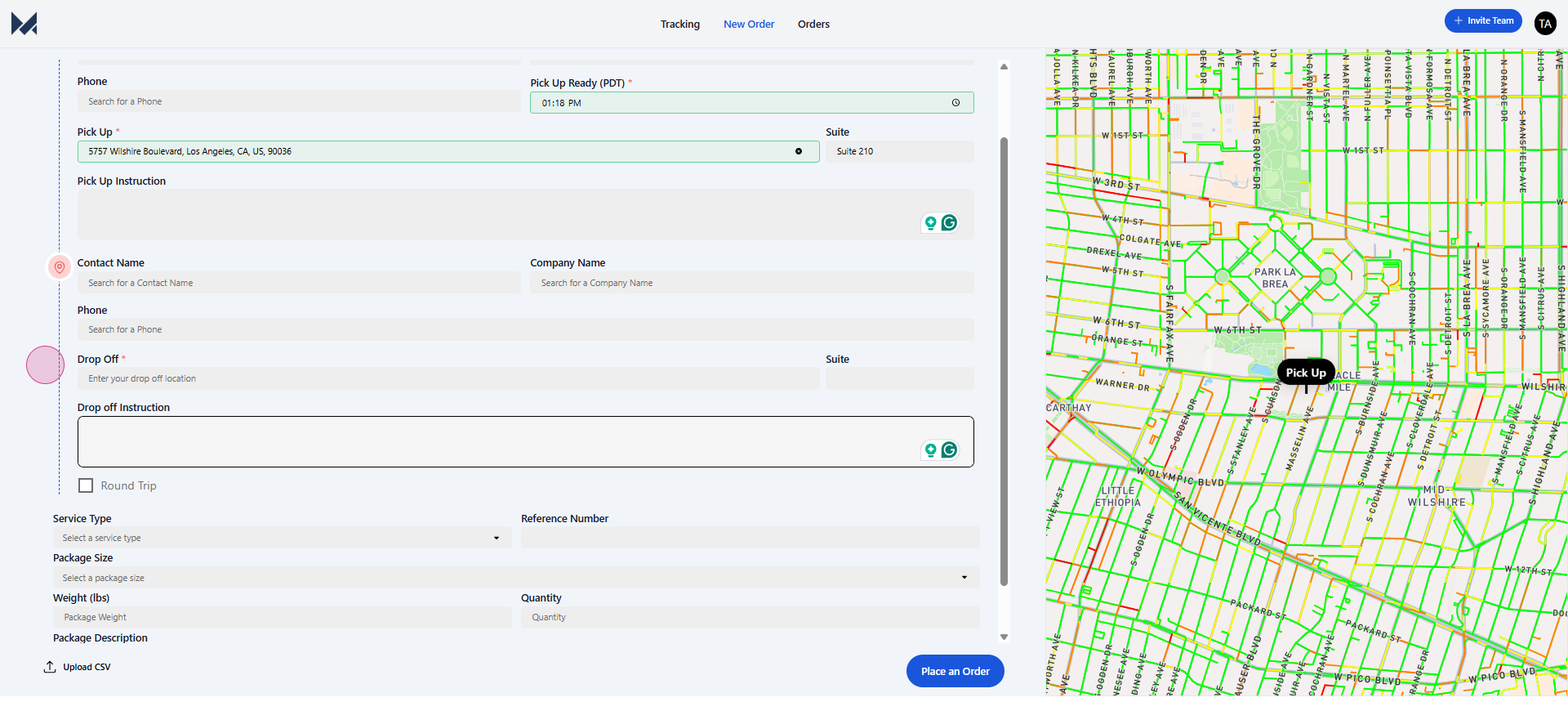
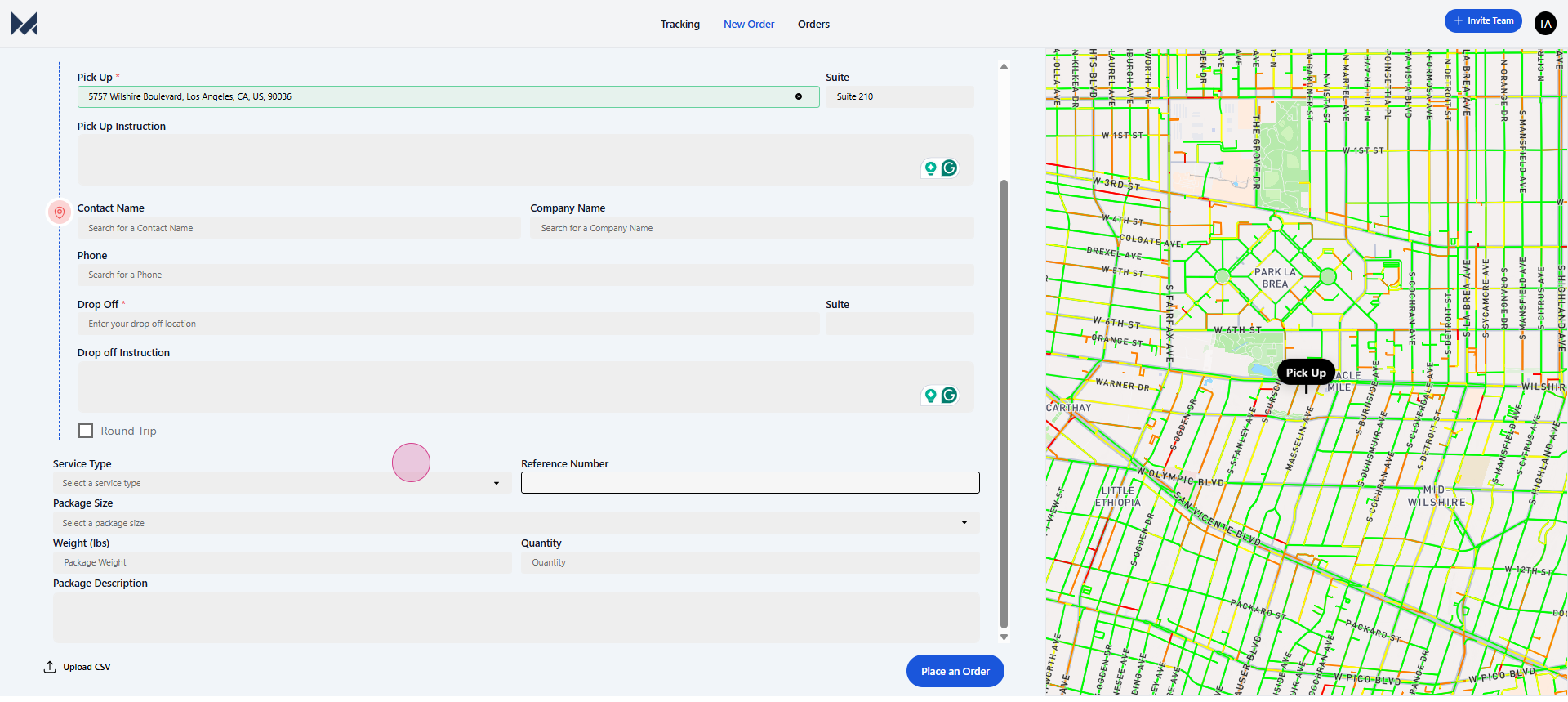
Step 6: Review your entry and then enter the service type.
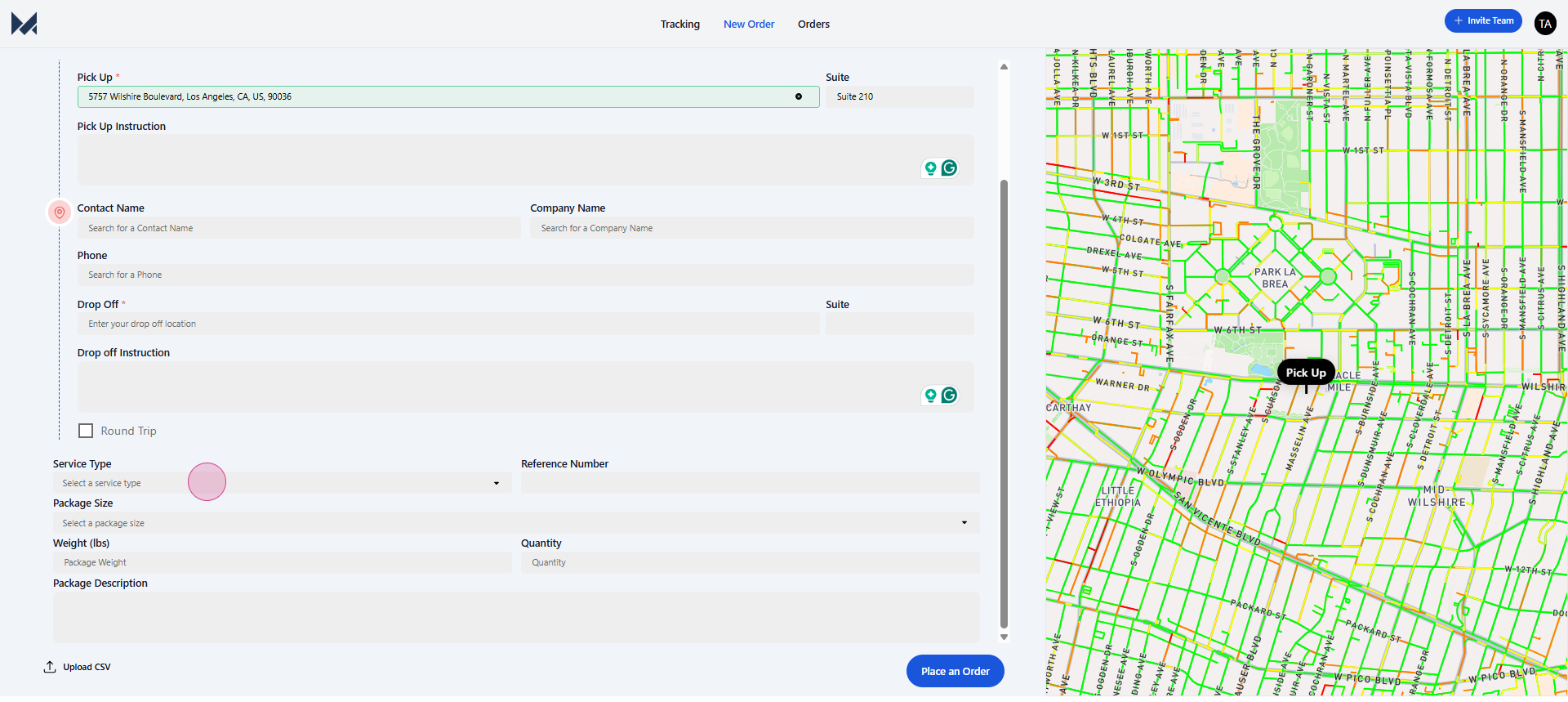
Step 7: Select your service type,
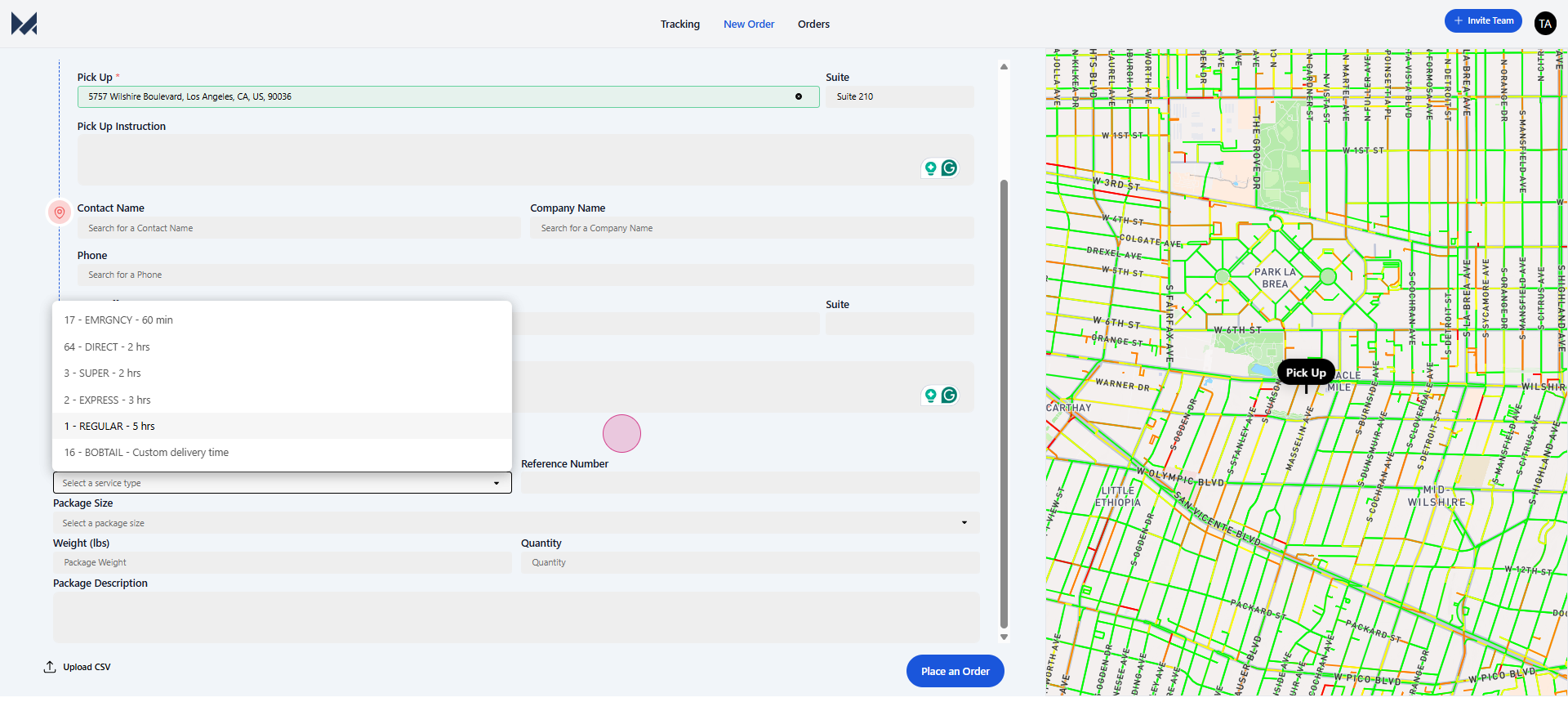
enter a reference number.
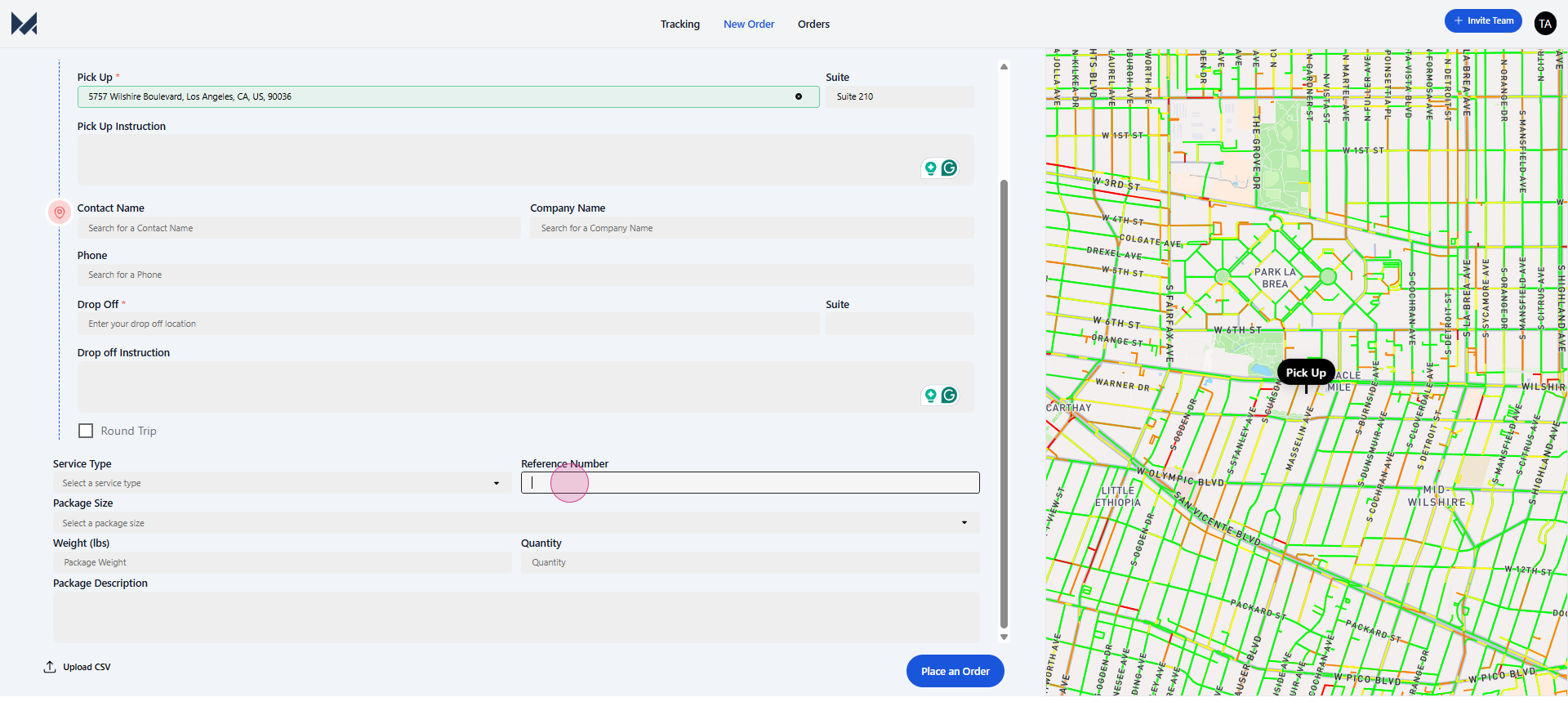
This could be a purchase order, bill of lading, sales order number, or any relevant number.
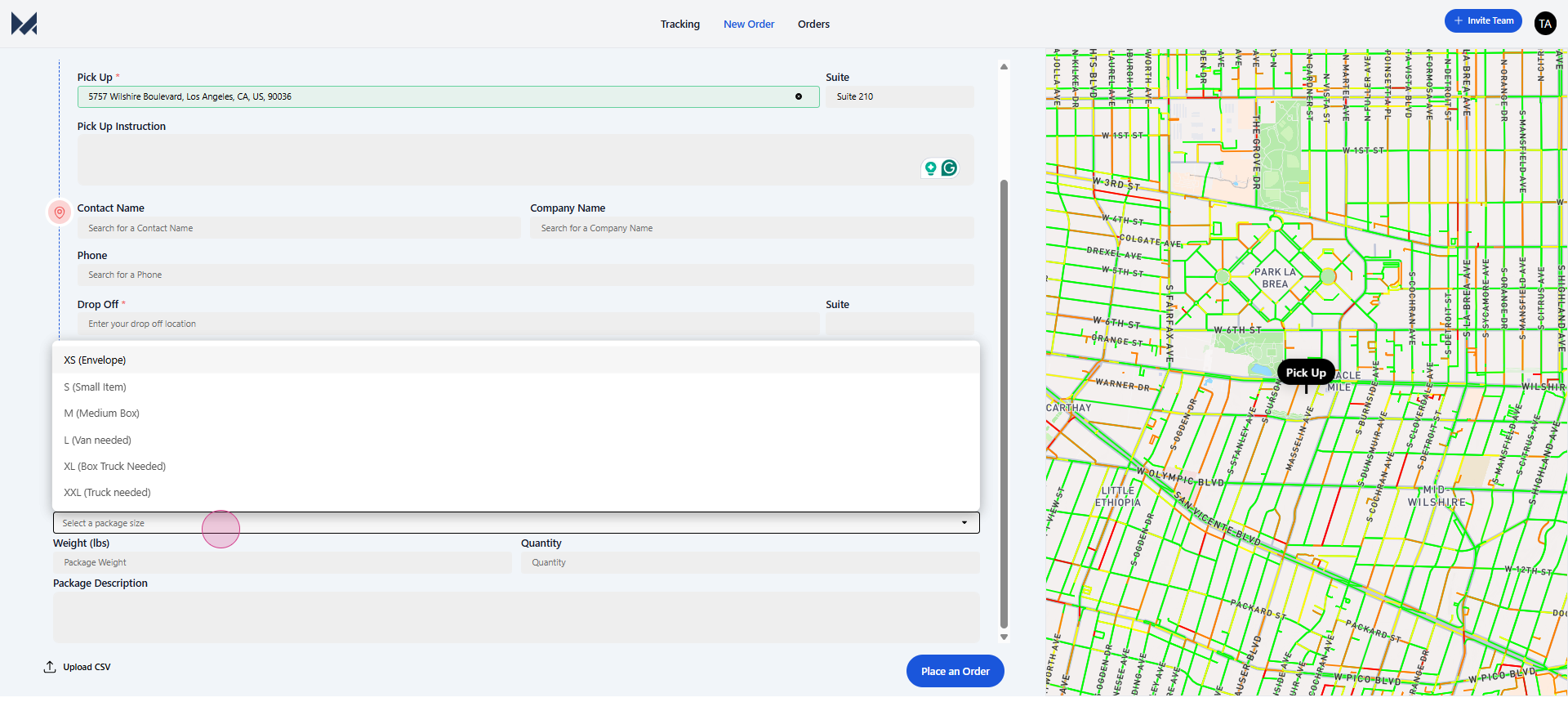
Step 8: Finally, enter the package size,
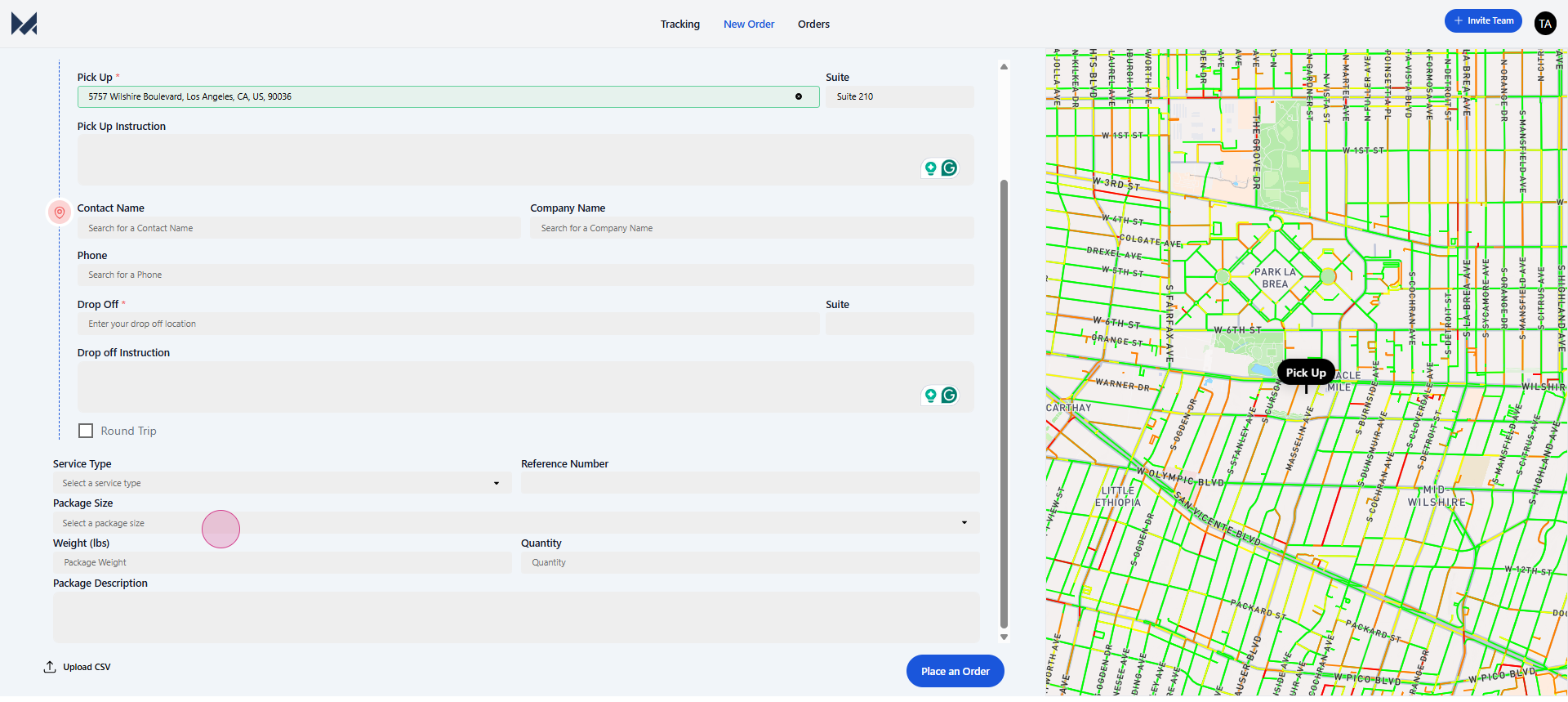
weight,
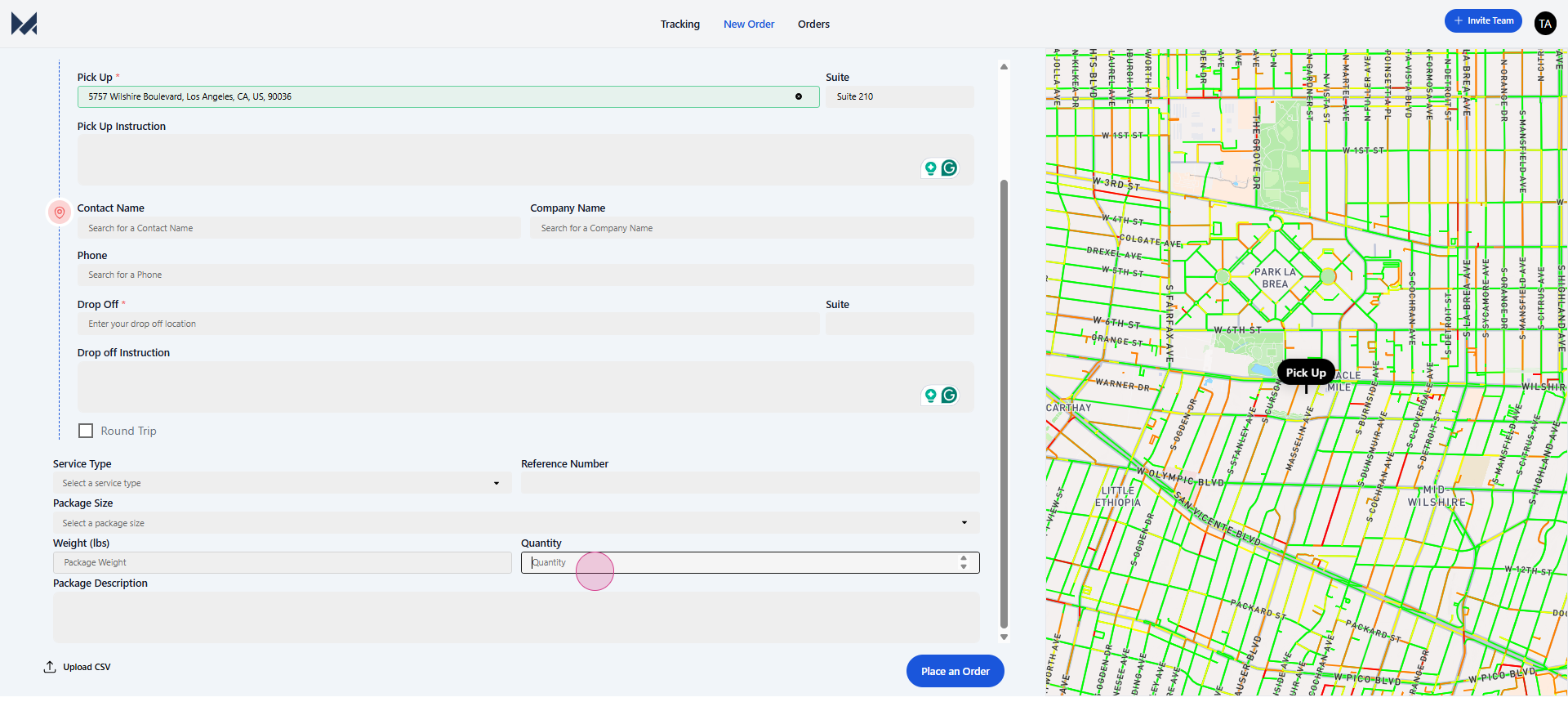
quantity,
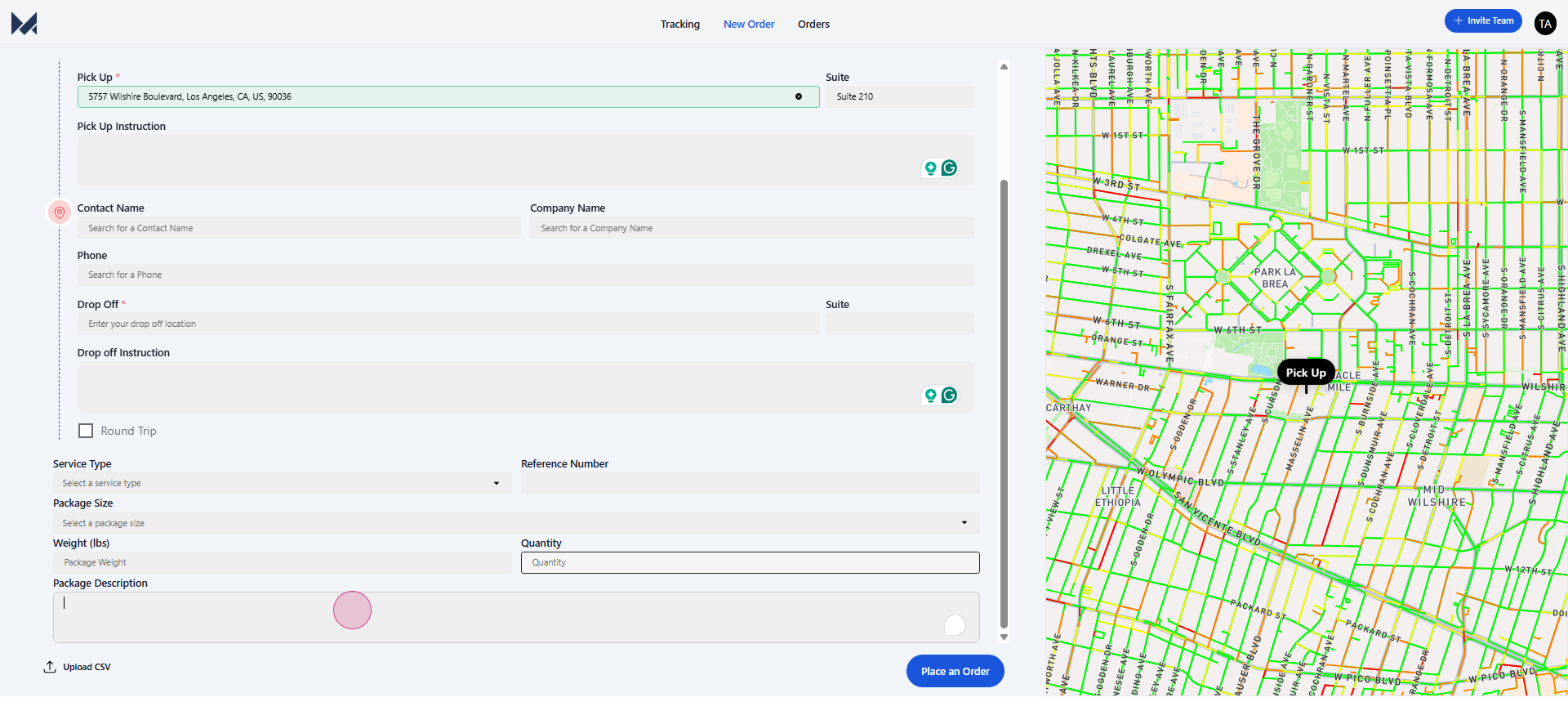
and any relevant package description. After entering your details, hit place an order and you're ready to go.
Created on
Did you find this article helpful?