
In this article, you'll learn how to add a team and invite members to your client portal.
Step 1: After signing up and logging into the client portal, start by adding a team.
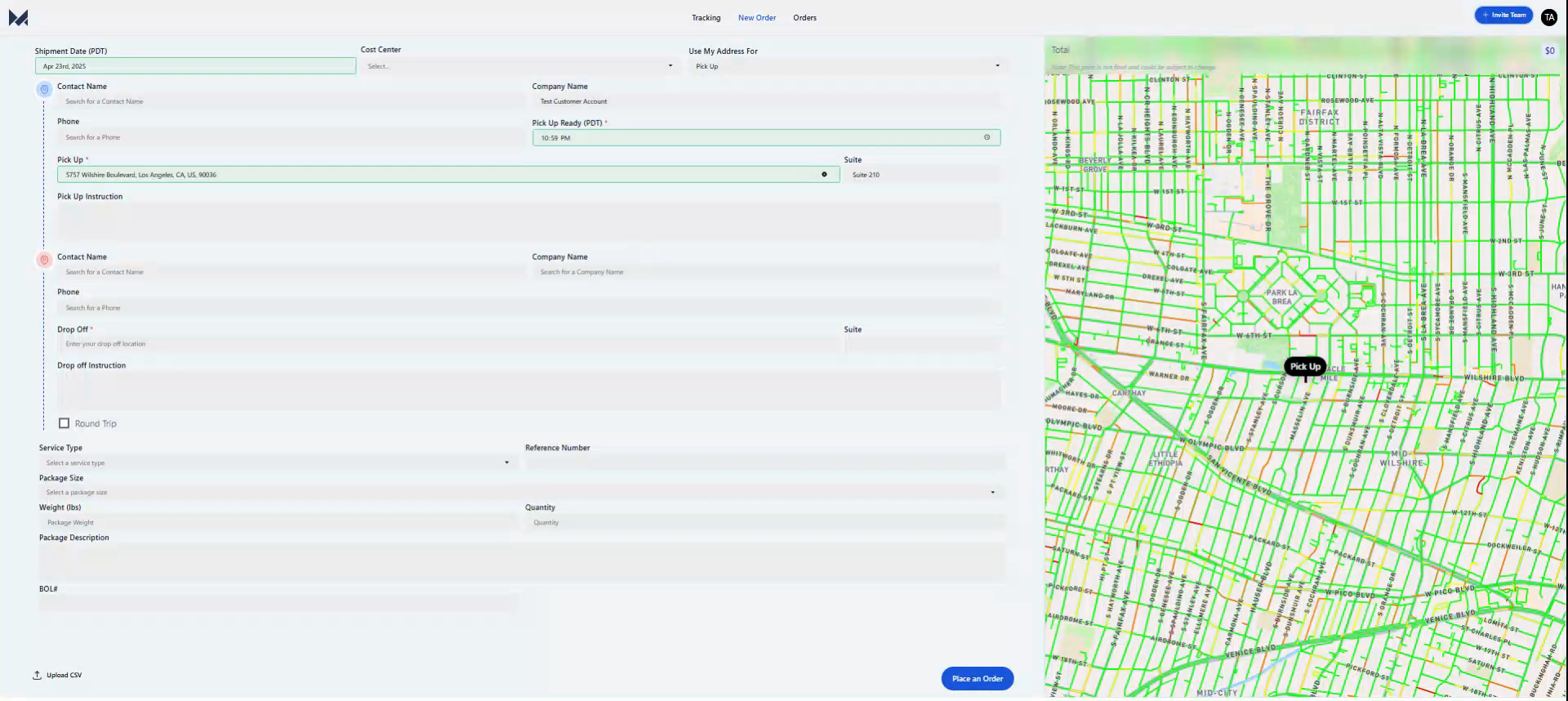
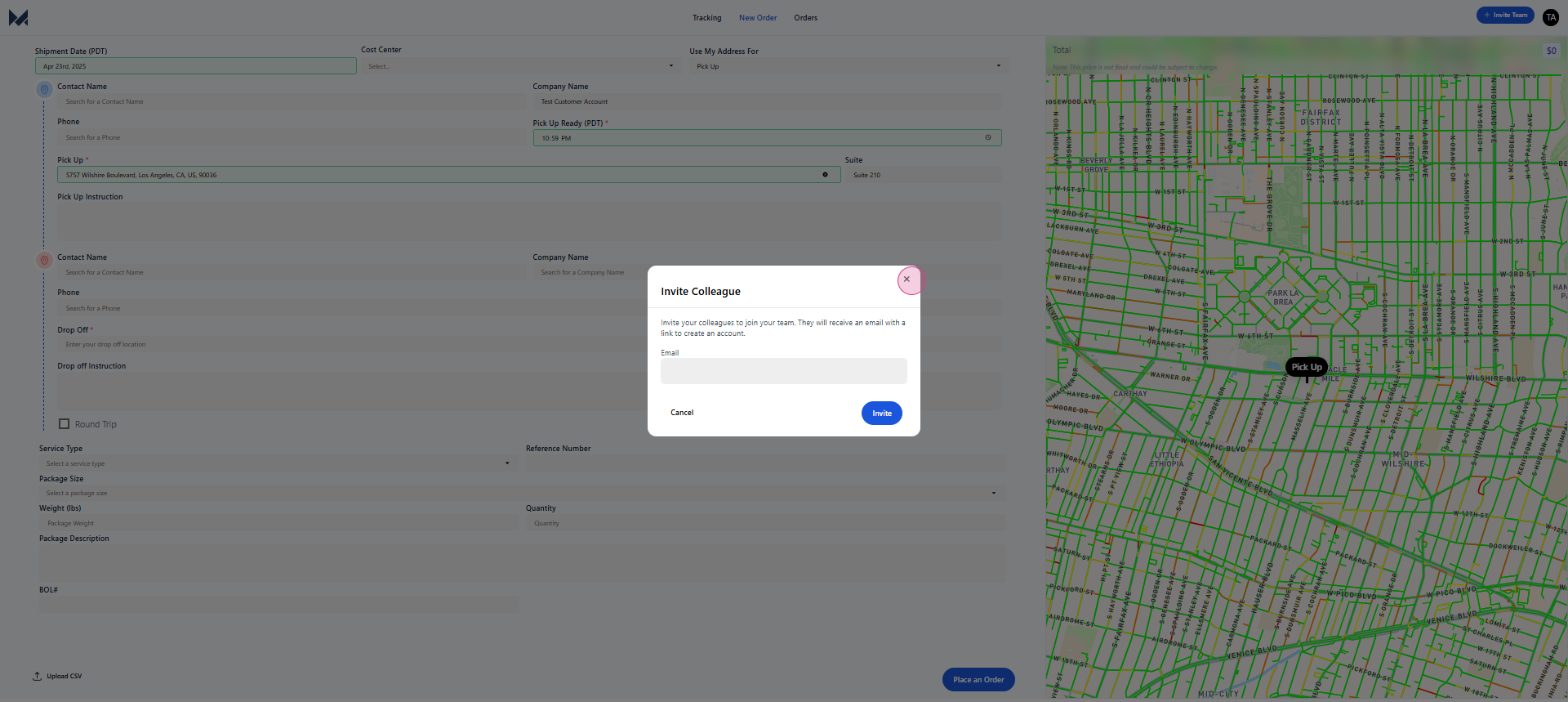
Step 2: To invite a team member to use the portal, navigate to the top right corner and click on the Invite Team button.
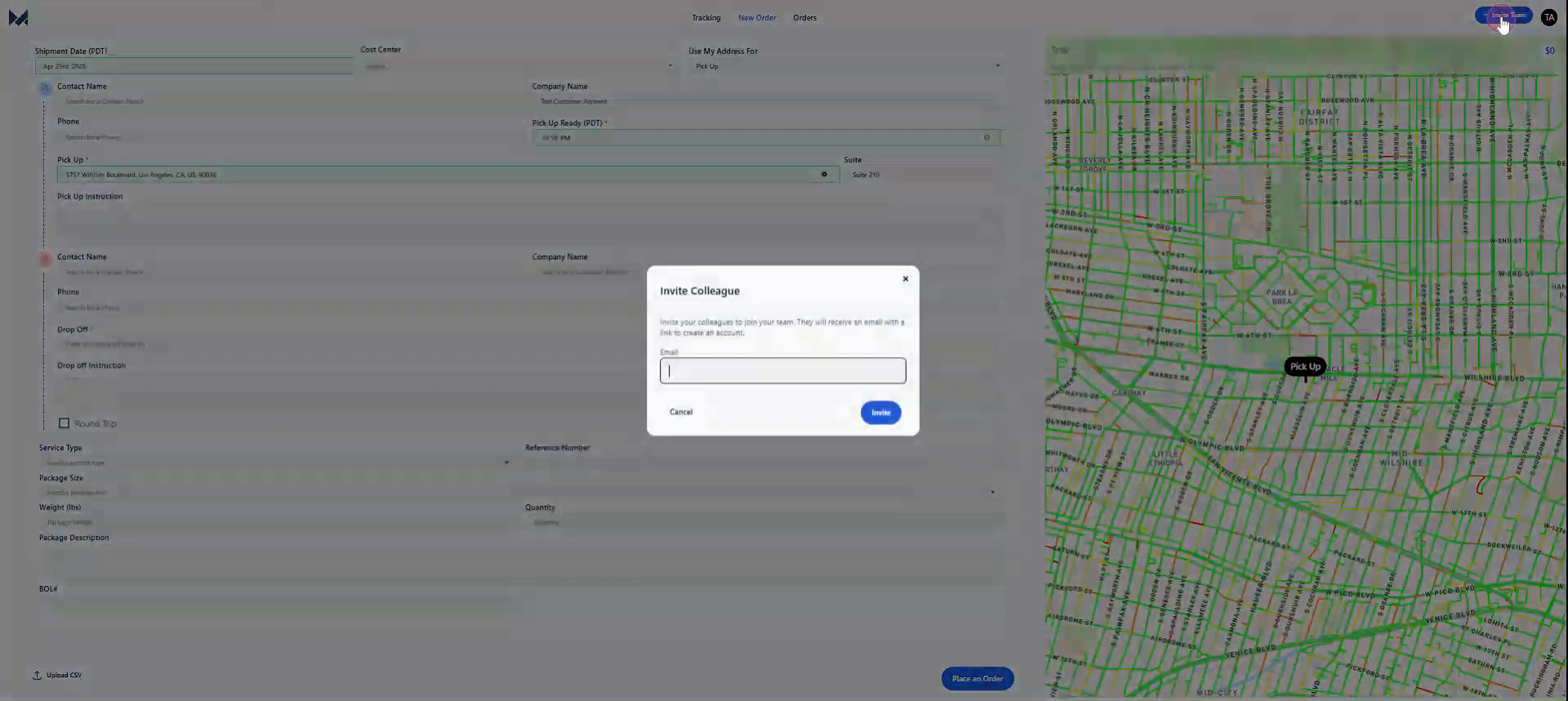
Step 3: Enter the team member's email address.
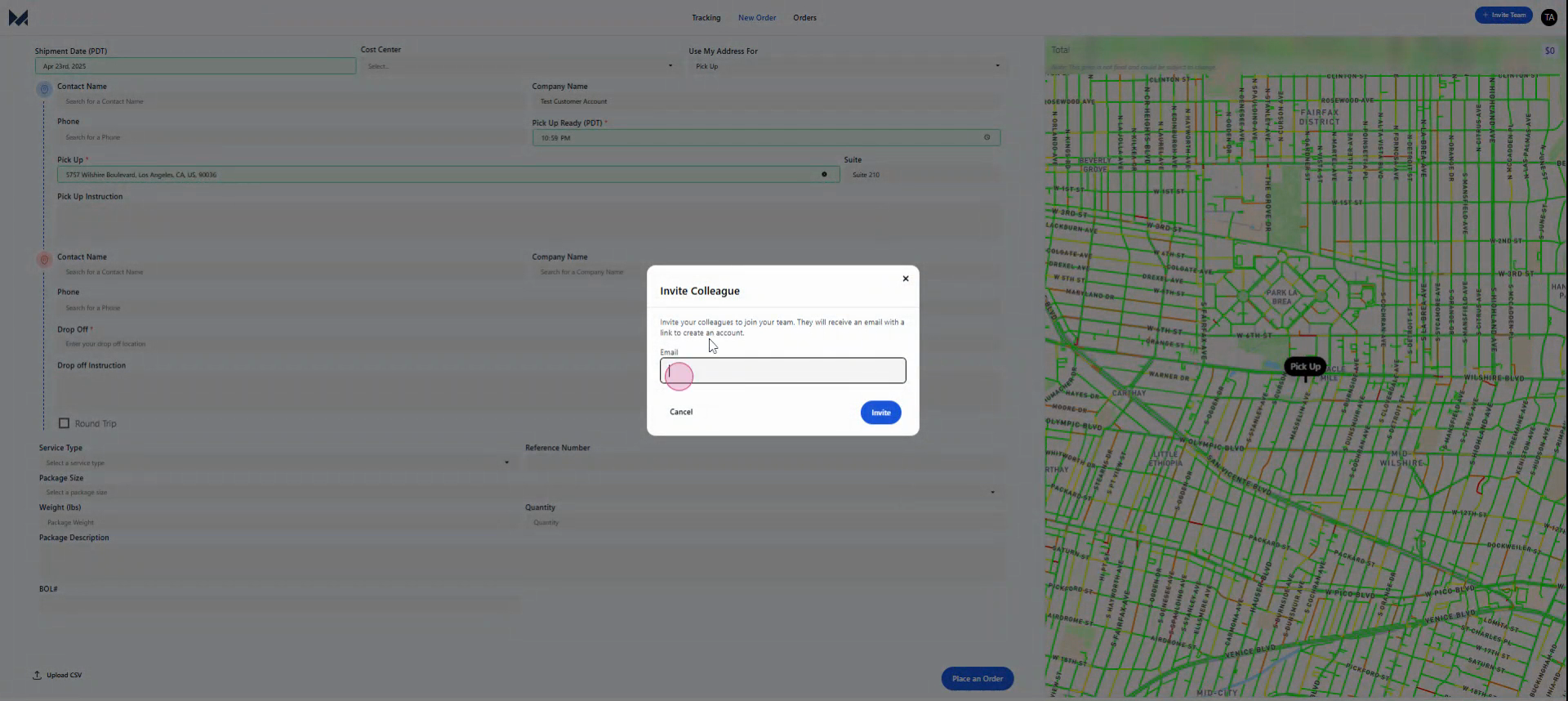
Step 4: Click on the Invite button to send them an invitation to the client portal.
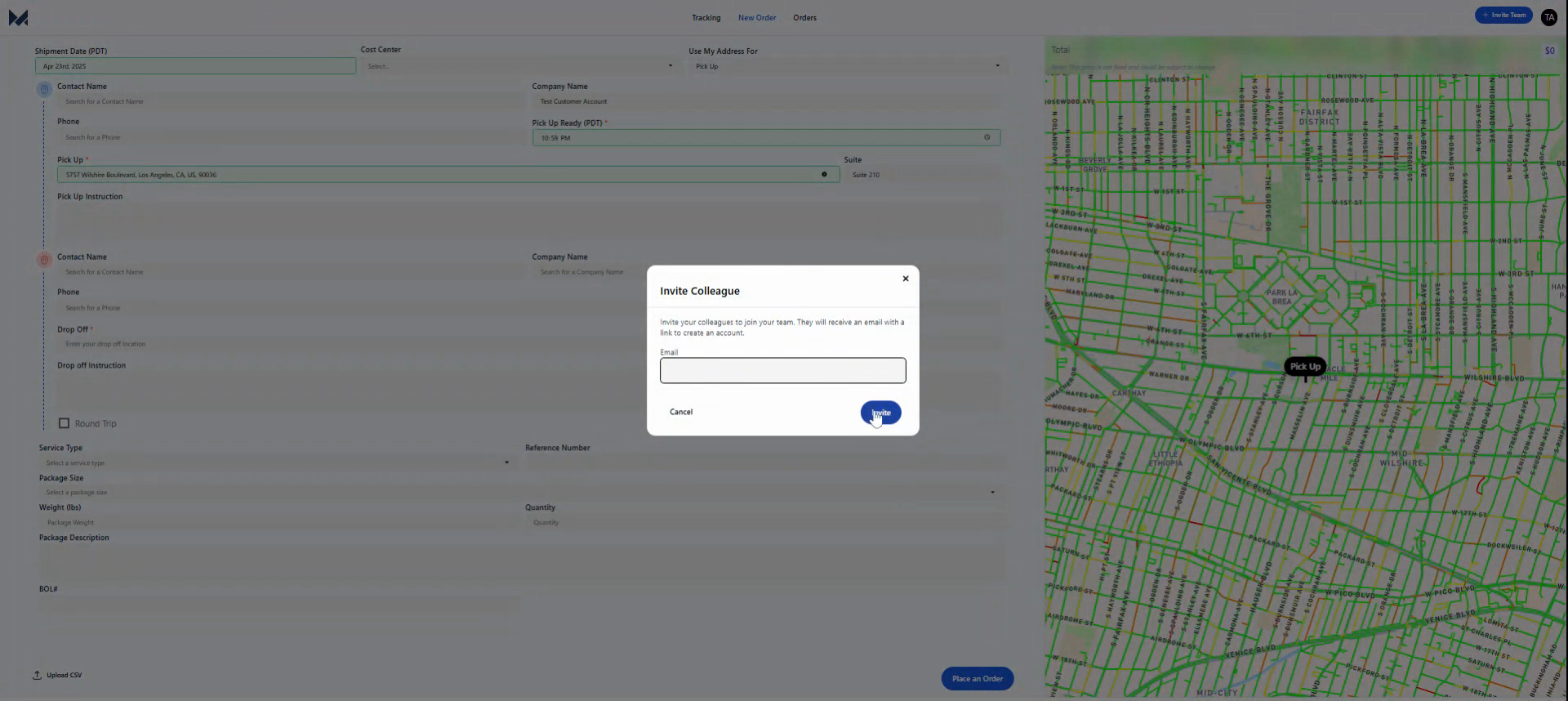
Once you've done this, they'll receive an email with instructions on how to sign up and start using the portal. By inviting them through the client portal, they'll gain access to all the orders. This means any orders they place will be billed to the same company or group.
And that's it!
Created on
Did you find this article helpful?